WhatsApp Integration
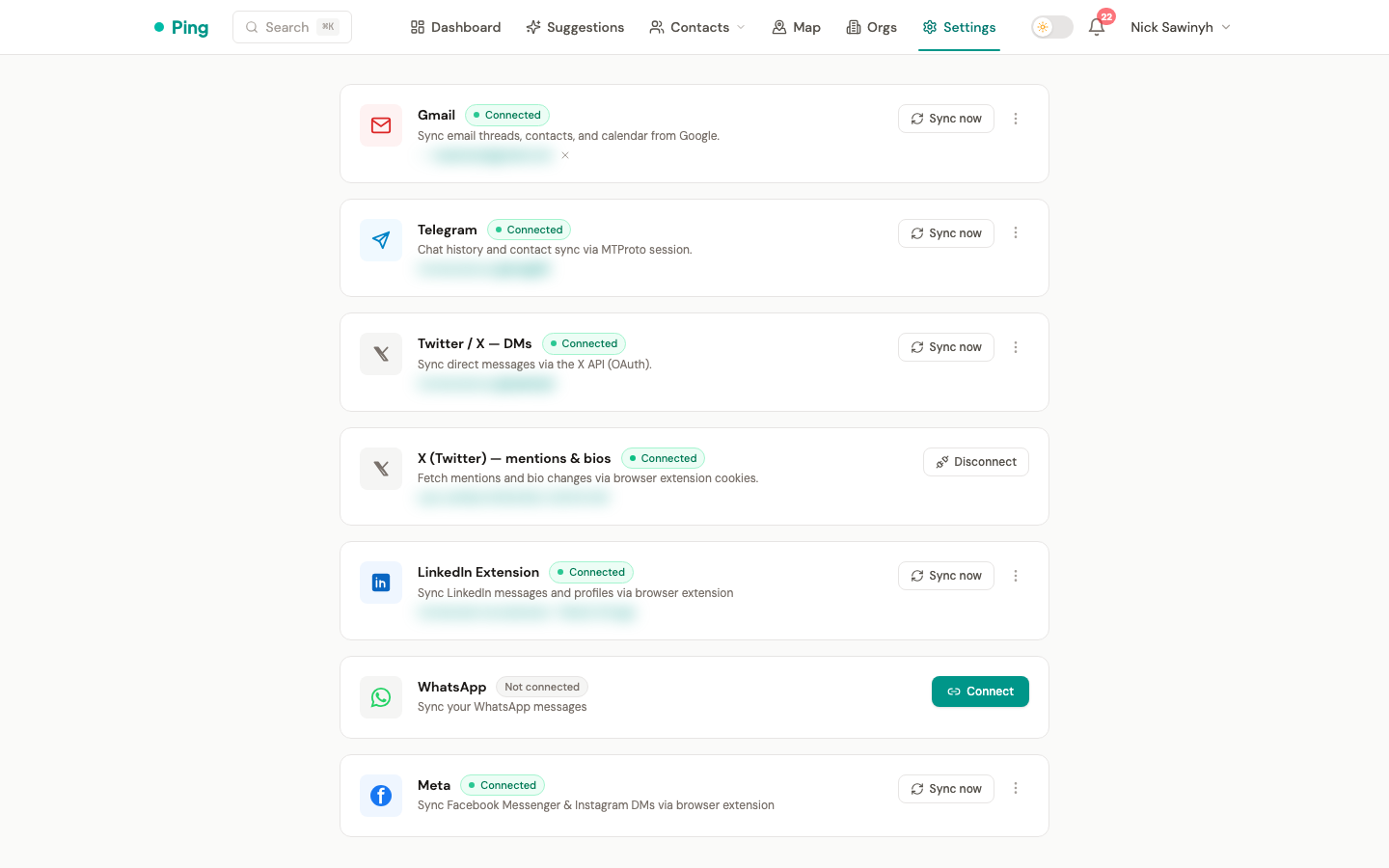
PingCRM connects to WhatsApp using the WhatsApp Web protocol via a Node.js sidecar service running whatsapp-web.js. This provides access to personal chat history and contact profile information.
Architecture
Unlike other integrations that run inside the Python backend, WhatsApp uses a separate Node.js service (the "sidecar") that manages WhatsApp Web sessions. The backend communicates with the sidecar over HTTP and receives real-time events via HMAC-signed webhooks.
Browser → Backend API → Sidecar (whatsapp-web.js) → WhatsApp servers
                    ←── Webhooks (message events) ←──
Authentication
WhatsApp authenticates by linking a new device via QR code:
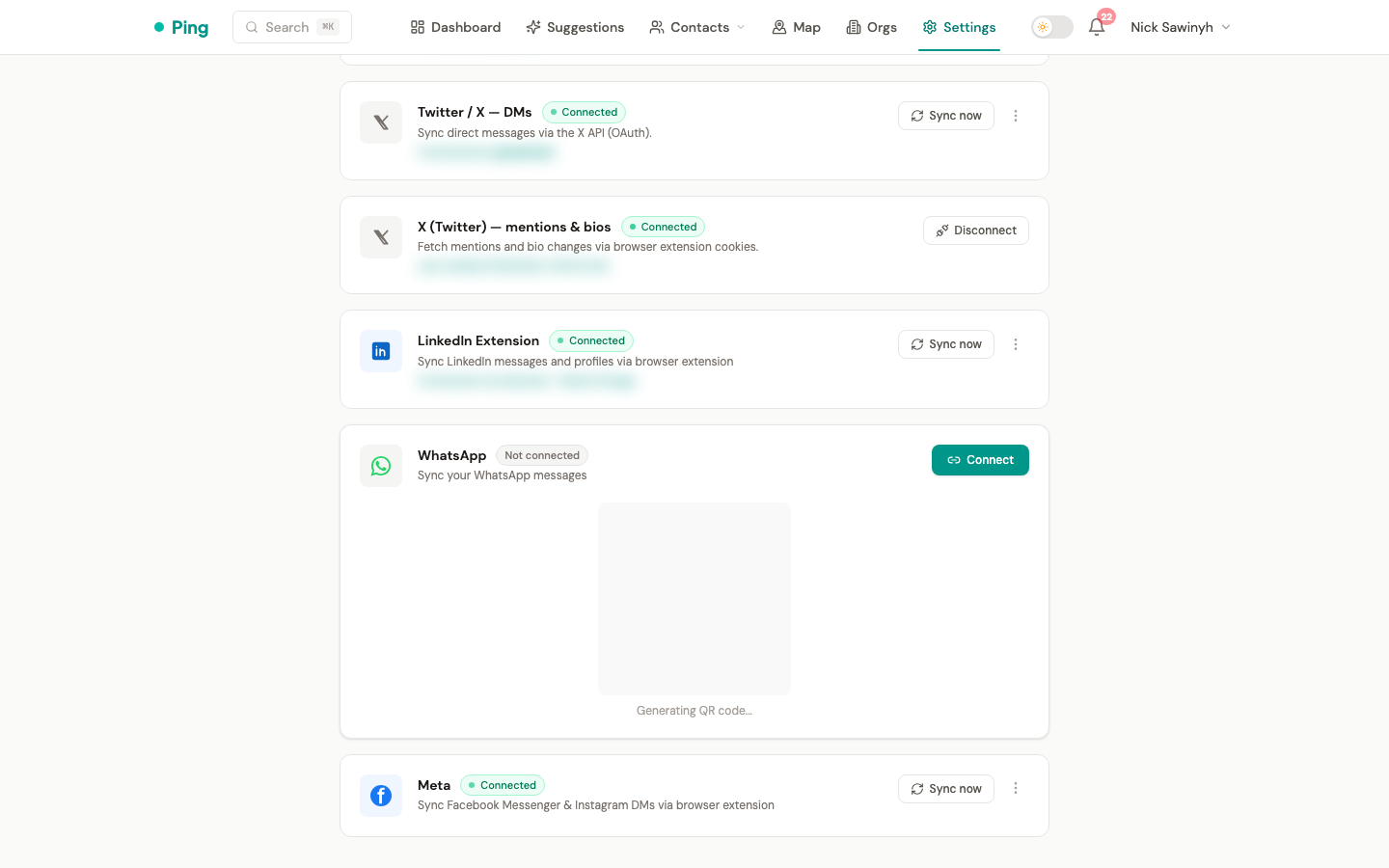
- Click Connect WhatsApp in Settings > Integrations.
- A QR code appears inline — scan it with your phone (WhatsApp > Settings > Linked Devices > Link a Device).
- Once scanned, the session is established and persists across restarts.
Sessions can expire if you remove the linked device from your phone or if WhatsApp revokes the session. PingCRM runs a daily health check and notifies you if your session has disconnected.
What Gets Synced
| Data | Source | Frequency |
|---|---|---|
| Direct messages | 1:1 chats | Real-time (via webhook) + 30-day backfill on connect |
| Contact name | WhatsApp profile | During message sync |
Not synced
- Group messages
- Media attachments (photos, videos, documents)
- Read receipts / online status
- Voice/video calls
Message Sync
Real-time
Once connected, the sidecar forwards incoming and outgoing messages to the backend as they happen via webhook events. Only text messages (type: "chat") are processed; media messages are skipped.
Initial backfill
On first connect, PingCRM triggers a 30-day backfill that fetches recent message history from all 1:1 chats. Messages are streamed to the backend in batches of 50 via webhooks.
Manual sync
Trigger a re-sync from Settings > Integrations > WhatsApp > "Sync Messages". This runs the same backfill process.
Contact Resolution
For each WhatsApp message, PingCRM matches the remote phone number to an existing contact:
whatsapp_phonefield (exact match on the Contact model)phonesarray (checks if any stored phone number matches)- If no match, a new contact is created with
source: "whatsapp"
Phone numbers are normalized to E.164 format (+1234567890) before matching. WhatsApp JID suffixes (@c.us, @s.whatsapp.net) are stripped automatically.
Session Health
A daily Celery beat task (check_whatsapp_sessions, 01:00 UTC) verifies that all active WhatsApp sessions are still connected by querying the sidecar. If a session has died:
- The user's
whatsapp_connectedflag is set tofalse. - A notification is created prompting re-authentication.
Disconnecting
From Settings > Integrations > WhatsApp, use the kebab menu to disconnect. This:
- Destroys the in-memory sidecar session and shuts down its browser. (Stored on-disk auth data under /data/sessions is not deleted.)
- Clears the user's WhatsApp connection fields.
- Does not delete synced interactions or contacts.
Deployment
The sidecar runs as a separate Docker container (whatsapp-sidecar) alongside the backend. It requires:
- Chromium — whatsapp-web.js uses Puppeteer to run the WhatsApp Web client.
- Persistent volume — session auth data is stored on disk at
/data/sessionsso sessions survive container restarts. - Environment variables:
WEBHOOK_URL— backend webhook endpoint (e.g.,http://backend:8000/api/v1/webhooks/whatsapp)WEBHOOK_SECRET— shared HMAC signing secret for webhook authenticationSESSION_DIR— path to session storage directory
Security
- Webhook authentication: All sidecar-to-backend webhook calls include an
X-Webhook-Signatureheader (HMAC-SHA256). The backend verifies the signature before processing any event. - Session isolation: Each user's session is stored in a separate directory identified by their UUID.
- No phone numbers in logs: All log messages use contact IDs rather than phone numbers.
- Unofficial protocol: Like the Telegram integration, WhatsApp uses an unofficial client library. This carries a risk of account restrictions if WhatsApp detects automated usage. Normal usage patterns (no bulk messaging, reasonable sync intervals) minimize this risk.