MCP Server (Model Context Protocol)
PingCRM includes an MCP server that lets AI clients query your CRM data directly. Connect Claude Desktop, Cursor, VS Code, or any MCP-compatible client to search contacts, view interactions, check suggestions, and get network health stats — without opening the web app.
Available Tools
| Tool | Description |
|---|---|
search_contacts | Search by name, company, tag, score tier (strong/warm/cold), or priority |
get_contact | Full profile by contact ID or fuzzy name search |
get_interactions | Recent interactions with a contact, with read receipt indicators |
get_suggestions | Pending follow-up suggestions with contact names and trigger types |
get_notifications | Recent notifications (unread or all) |
get_dashboard_stats | Network health: total contacts, score distribution, pending suggestions, 7-day activity |
All tools return Markdown-formatted text optimized for LLM consumption.
Setup
1. Generate an API Key
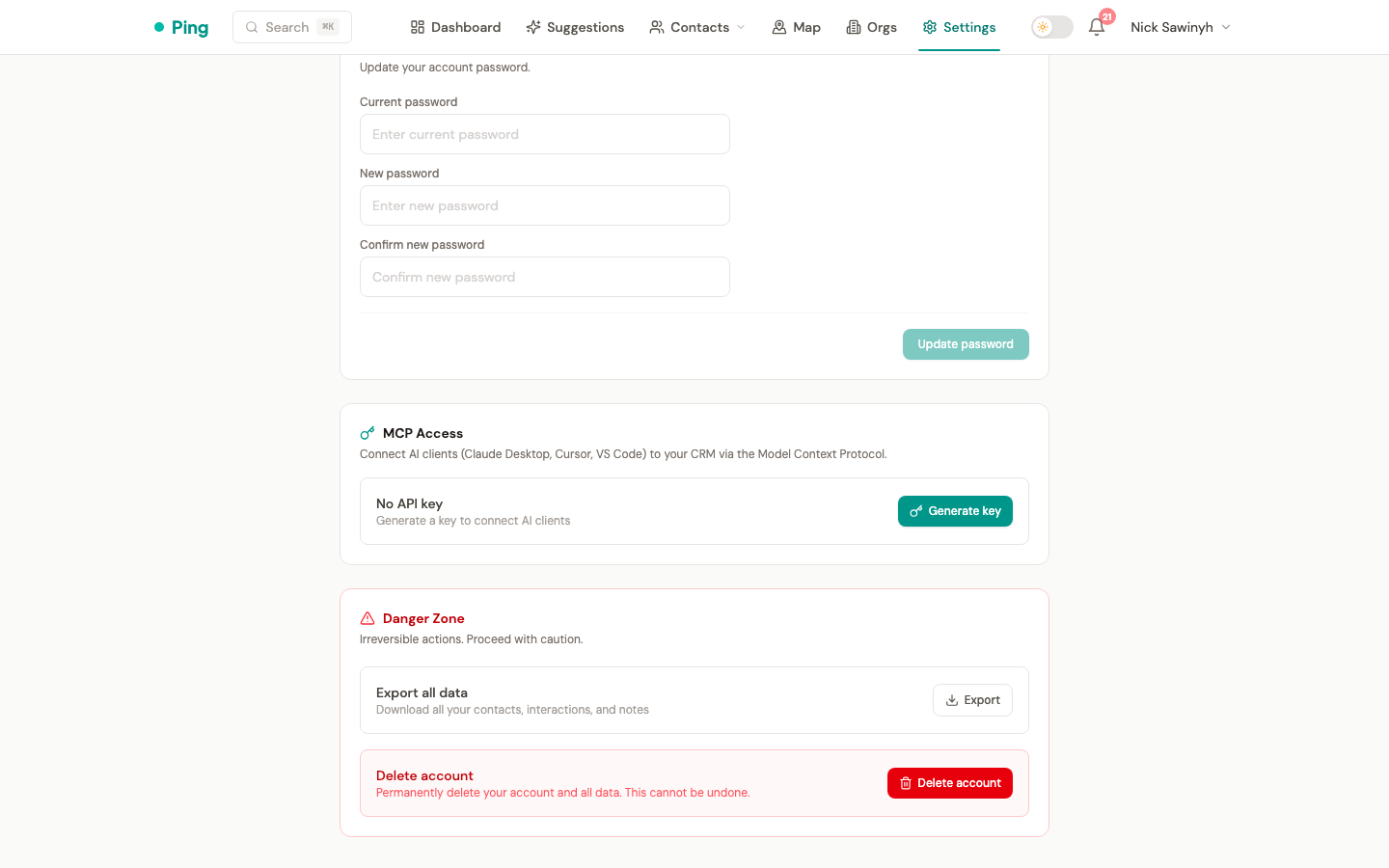
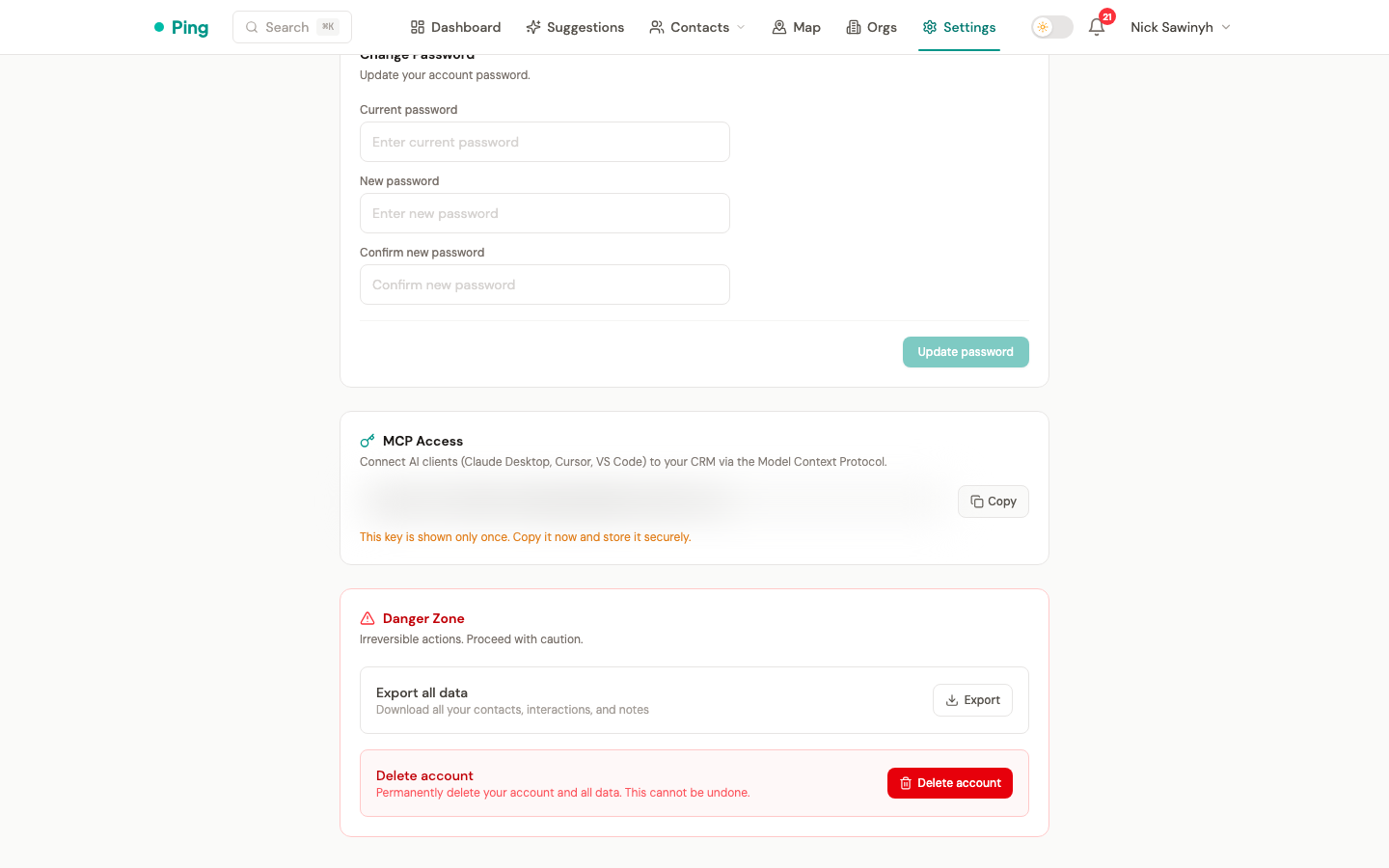
Go to Settings > Account > MCP Access and click Generate key. The key is shown only once — copy it and store it securely. The key format is pingcrm_ followed by a random string.
2. Configure Your AI Client
Claude Desktop (local / stdio)
Add to ~/Library/Application Support/Claude/claude_desktop_config.json:
{
  "mcpServers": {
    "pingcrm": {
      "command": "python",
      "args": ["-m", "mcp_server.server"],
      "cwd": "/path/to/pingcrm/backend",
      "env": {
        "DATABASE_URL": "postgresql+asyncpg://user:pass@localhost/pingcrm",
        "SECRET_KEY": "your-secret-key"
      }
    }
  }
}
This runs the MCP server as a local subprocess. No API key needed — communication is over stdin/stdout.
Claude Desktop (remote / stdio via SSH)
{
  "mcpServers": {
    "pingcrm": {
      "command": "ssh",
      "args": [
        "-i", "~/.ssh/your_key",
        "[email protected]",
        "cd /opt/pingcrm && docker compose exec -T backend python -m mcp_server.server"
      ]
    }
  }
}
Tunnels stdio over SSH to a remote PingCRM installation.
Remote / SSE (direct HTTP)
For remote access without SSH, use the SSE transport with your API key:
{
  "mcpServers": {
    "pingcrm": {
      "url": "https://your-server.com/mcp/sse",
      "headers": {
        "Authorization": "Bearer pingcrm_your_key_here"
      }
    }
  }
}
Authentication
- stdio mode (local): No authentication — the server runs as a subprocess on your machine.
- SSE mode (remote): Per-user API key via
Authorization: Bearer <key>header. Keys are HMAC-SHA256 hashed for secure storage — PingCRM never stores the plaintext key.
API Key Management
Manage keys from Settings > Account > MCP Access:
- Generate — creates a new key (shown once, copy it immediately)
- Revoke — invalidates the key, disconnecting any clients using it
- Regenerate — revokes the old key and creates a new one
Architecture
The MCP server lives at backend/mcp_server/ and directly queries the PostgreSQL database using SQLAlchemy (same pattern as Celery workers). No HTTP API calls — direct DB access for speed.
- Transport: stdio (local) or SSE (remote)
- Dependencies:
mcpPython SDK - User resolution: stdio resolves user from
--user-emailflag or single user in DB; SSE resolves from API key hash lookup