Map
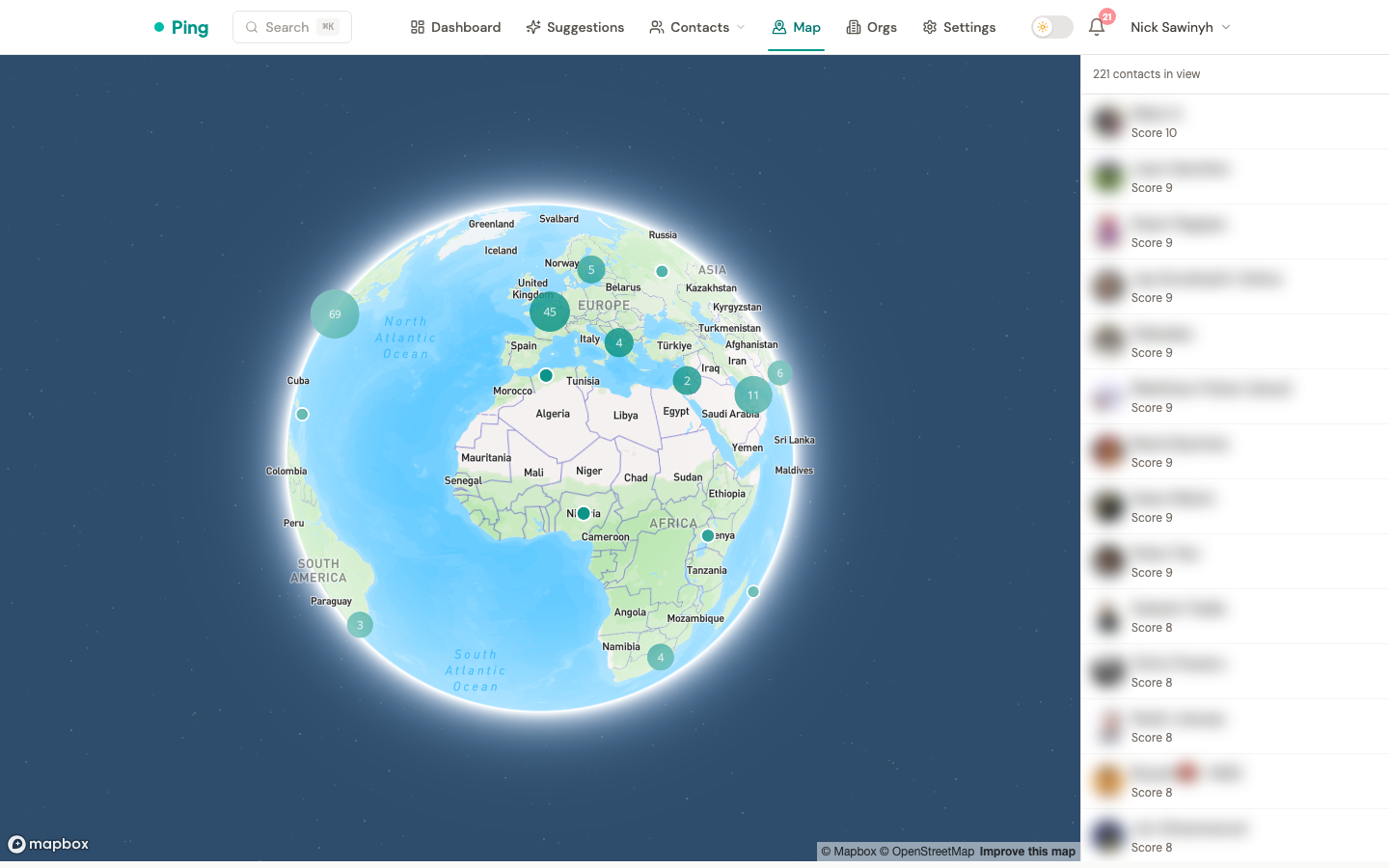
The /map page plots your contacts on an interactive world map. Use it to find nearby contacts when traveling, spot geographic clusters in your network, and navigate from a contact's location back to the map.
How it works
Every contact with a non-empty location string is geocoded to latitude/longitude via the Mapbox Geocoding API. The map view queries contacts within the current viewport and renders them as pins, with clustering for dense metros.
Opening the map
Two entry points:
- Sidebar nav -- the "Map" entry opens
/mapat a world view. Pan and zoom to fill the sidebar with contacts in the current viewport. - From a contact page -- when a contact has been successfully geocoded, the location text under their profile renders as a link. Clicking it opens
/map?focus=<contact_id>centered on that contact at city-level zoom.
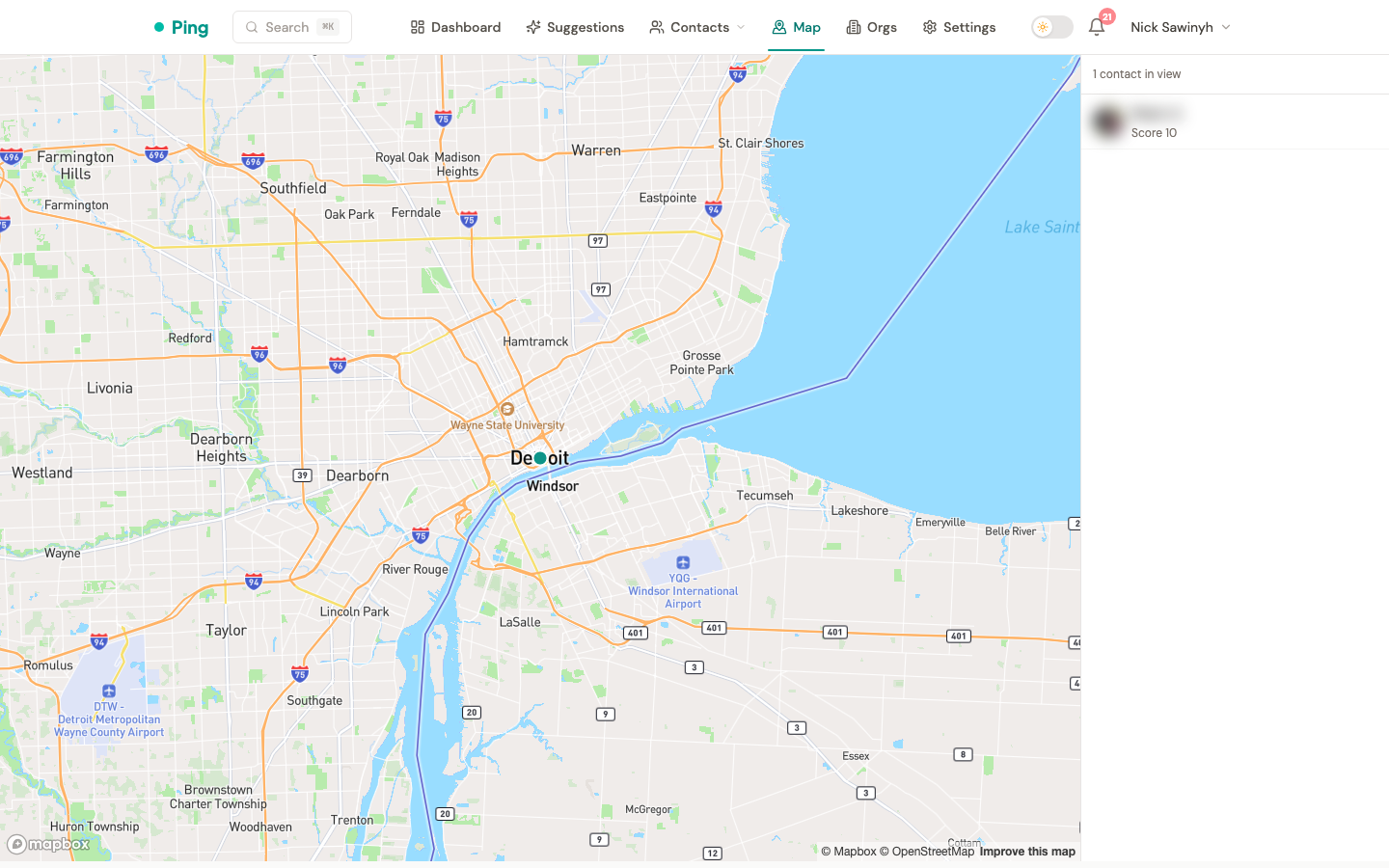
If a contact's location couldn't be geocoded (free-form text like a URL, emoji, or unparseable entry), the location field renders as plain text on the contact page -- no link.
Viewport sidebar
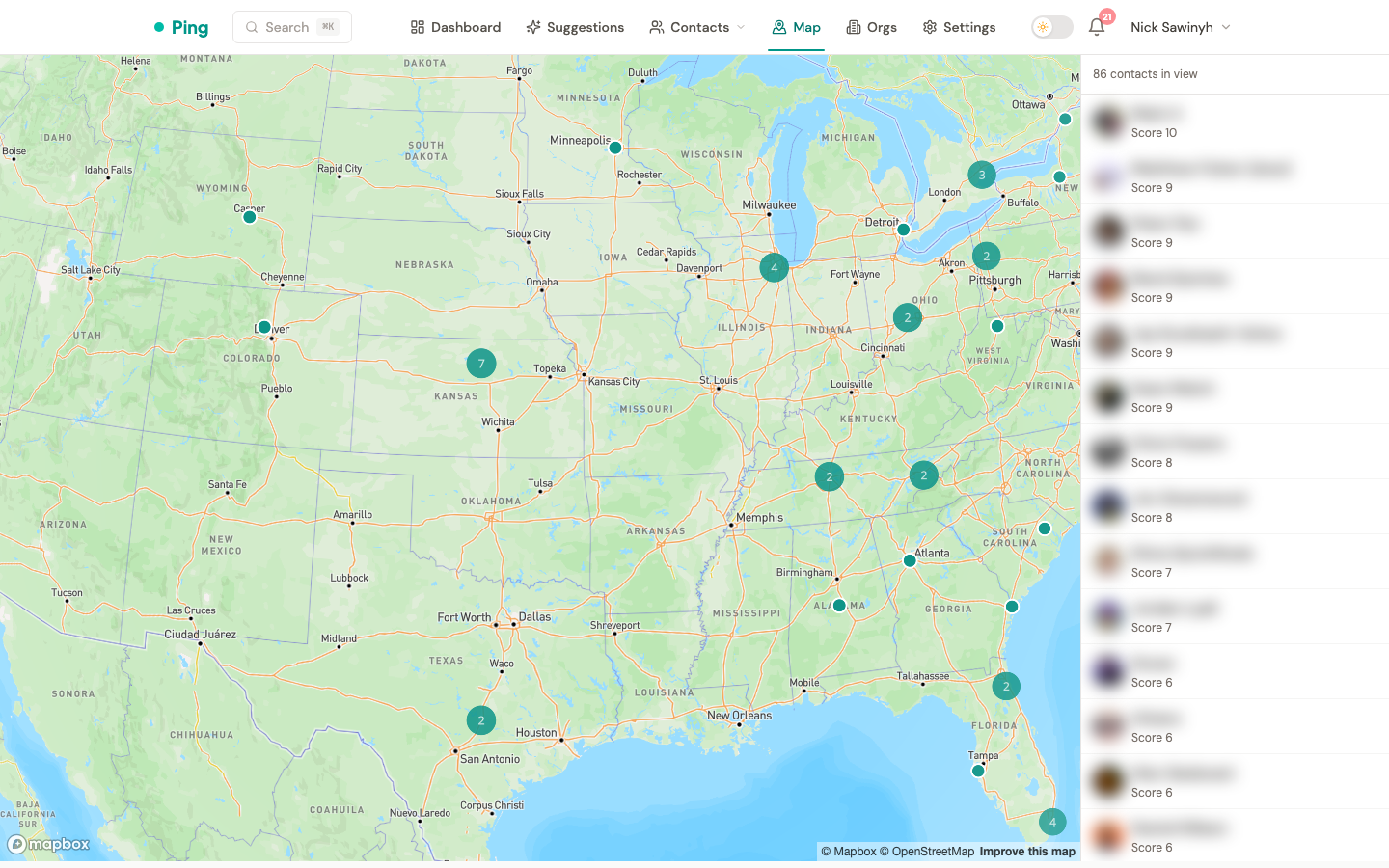
The right-hand sidebar lists contacts currently in view, sorted by relationship score (highest first). Moving or zooming the map refreshes the list automatically once the pan/zoom gesture ends (Mapbox moveend).
Each row shows the contact's avatar, name, and score. Clicking a row opens the full contact page.
When a metro has more than 500 contacts in view, the sidebar shows a "Showing 500 of N -- zoom in for more" hint. The underlying GET /api/v1/contacts/map endpoint caps results at 500.
Clustering
Zoomed-out views collapse nearby pins into numbered cluster bubbles. Clicking a cluster zooms in and breaks it apart. Cluster radius is 50 pixels, and clusters stop forming above zoom level 14 (individual pins from zoom 15).
Geocoding
Contacts are geocoded automatically in the background via a Celery task:
- On write -- any time a contact's
locationfield changes (manual edit, LinkedIn / Google / CSV import), ageocode_contacttask is enqueued. - One-time backfill -- the
backfill_all_contactsadmin task enqueues every contact that hasn't been geocoded yet.
The task is idempotent: it skips contacts whose stored geocoded_location already matches the current location string.
Failure handling
| Mapbox response | Stored state | Behavior |
|---|---|---|
| 200 with a match | latitude, longitude, geocoded_location, geocoded_at all set | Pin rendered on map |
| 200 with zero results | geocoded_at set, lat/lng null | Contact hidden from map; no retry until location changes |
| 4xx | Same as zero results | Dropped; logged at warning (provider) + info (task) |
| 429 (rate limit) | -- | Task re-queued with exponential backoff |
| 5xx / timeout | -- | Retried up to 3 times inside the service, then Celery retry |
Configuration
Two Mapbox tokens are required:
MAPBOX_SECRET_TOKEN-- used by the backend Celery worker for geocoding. Any valid Mapbox token works (Mapbox has no dedicated geocoding scope). For minor separation, you can create a secret token by ticking any secret scope in the Mapbox dashboard.MAPBOX_PUBLIC_TOKEN-- surfaced to the browser viaGET /api/v1/map/configand used byreact-map-glfor tile loading. Restrict this token to your production domain andlocalhostin the Mapbox token settings to prevent quota theft.
If MAPBOX_PUBLIC_TOKEN is missing, the /map route renders a "Map is not yet configured" message and doesn't crash.
API surface
GET /api/v1/map/config-- returns{ data: { mapbox_public_token } }. Requires auth.GET /api/v1/contacts/map?bbox=minLng,minLat,maxLng,maxLat&limit=500-- returns contacts whose coordinates fall within the bounding box, scoped to the authenticated user. Response includesmeta.total_in_boundsfor the "Showing N of M" hint.