Twitter / X Integration
PingCRM connects to Twitter (X) using OAuth 2.0 with PKCE for secure access to DMs, mentions, and user profiles.
Authentication
Twitter uses the OAuth 2.0 Authorization Code flow with PKCE (Proof Key for Code Exchange). This flow does not require a client secret to be stored on the server, improving security. After authorization, PingCRM stores a refresh token to maintain access.
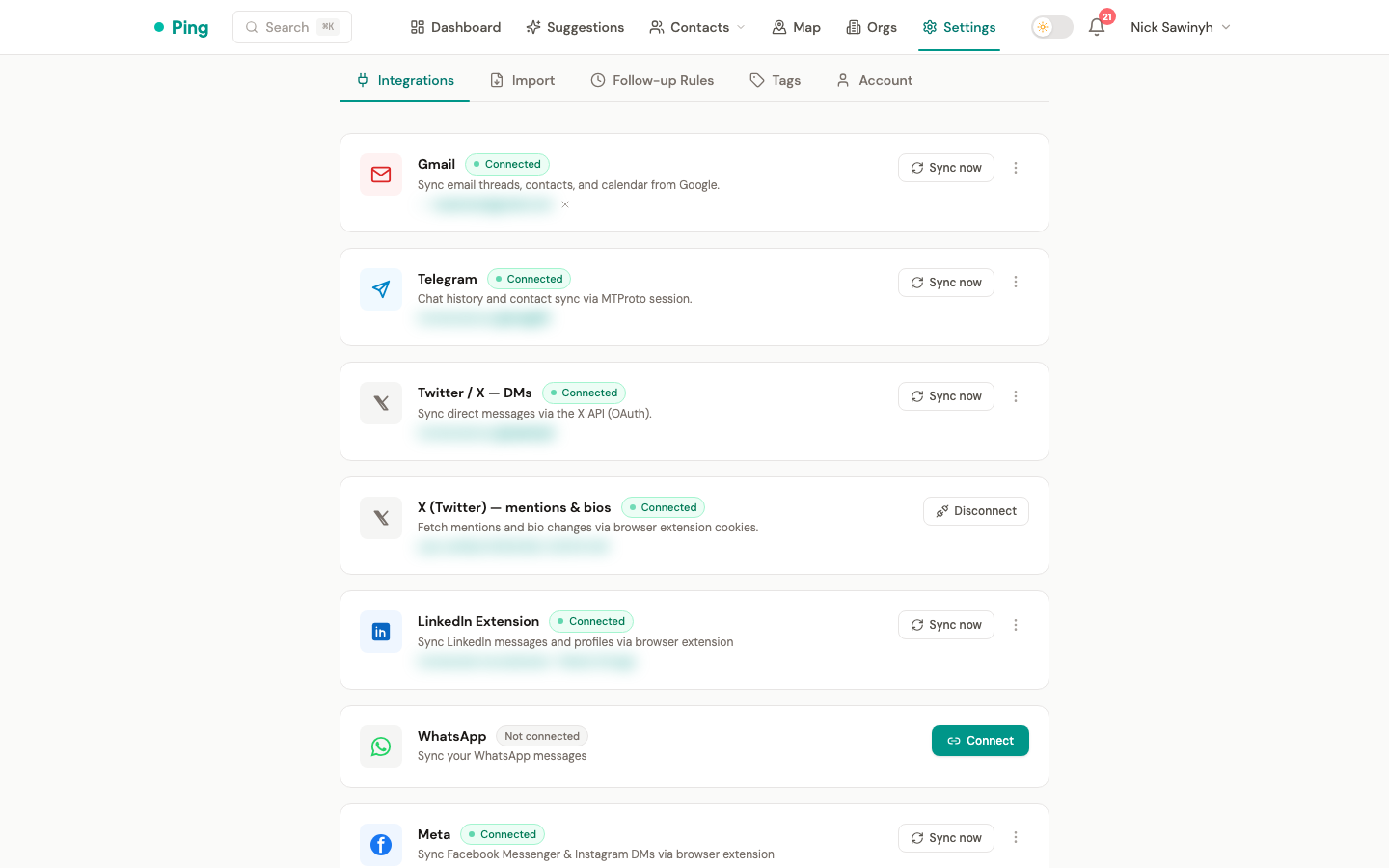
Connecting your X account (bird CLI)
Mention, reply, and bio sync require the PingCRM Chrome extension. OAuth only covers DMs; the rest uses the bird CLI with your X browser cookies.
After installing the extension, open Settings → Connected accounts and click Connect X on the X row. The extension reads your x.com cookies in the browser and sends them to PingCRM (encrypted at rest with Fernet).
Cookies refresh automatically whenever X rotates them, as long as you're signed in to x.com in the same browser — the extension listens for cookie changes and re-pushes silently. If you sign out of X or clear cookies, the row shows X cookies expired with a Refresh button. Click it, sign back in to x.com if prompted, and the connection self-repairs.
DM Sync
Direct message conversations are imported as interactions. Each conversation captures participants, message content, and timestamps. Conversations are deduplicated by Twitter conversation ID. Per-contact sync uses the targeted /dm_conversations/with/:participant_id endpoint for efficiency.
DM sync uses delta sync via a since_id cursor stored on the user record (twitter_dm_cursor). After each sync, the cursor advances to the newest event ID, so subsequent runs only fetch new DMs. If the cursor becomes stale (e.g., after re-authorization), the API returns 400 — PingCRM automatically retries without the cursor (full fetch) and sets a fresh cursor.
Handle Updates
When you update a contact's Twitter handle in the UI, PingCRM automatically:
- Clears the old
twitter_user_idandtwitter_bio(stale data) - Dispatches a background task to fetch the new profile's bio and avatar via bird CLI
Mention & Reply Sync
Tweets that @mention you and your outbound replies are imported as interactions via bird CLI (zero API cost). Each sync stores a cursor (twitter_mention_cursor / twitter_reply_cursor in sync_settings) so only new tweets are processed on subsequent runs.
Bio Monitoring
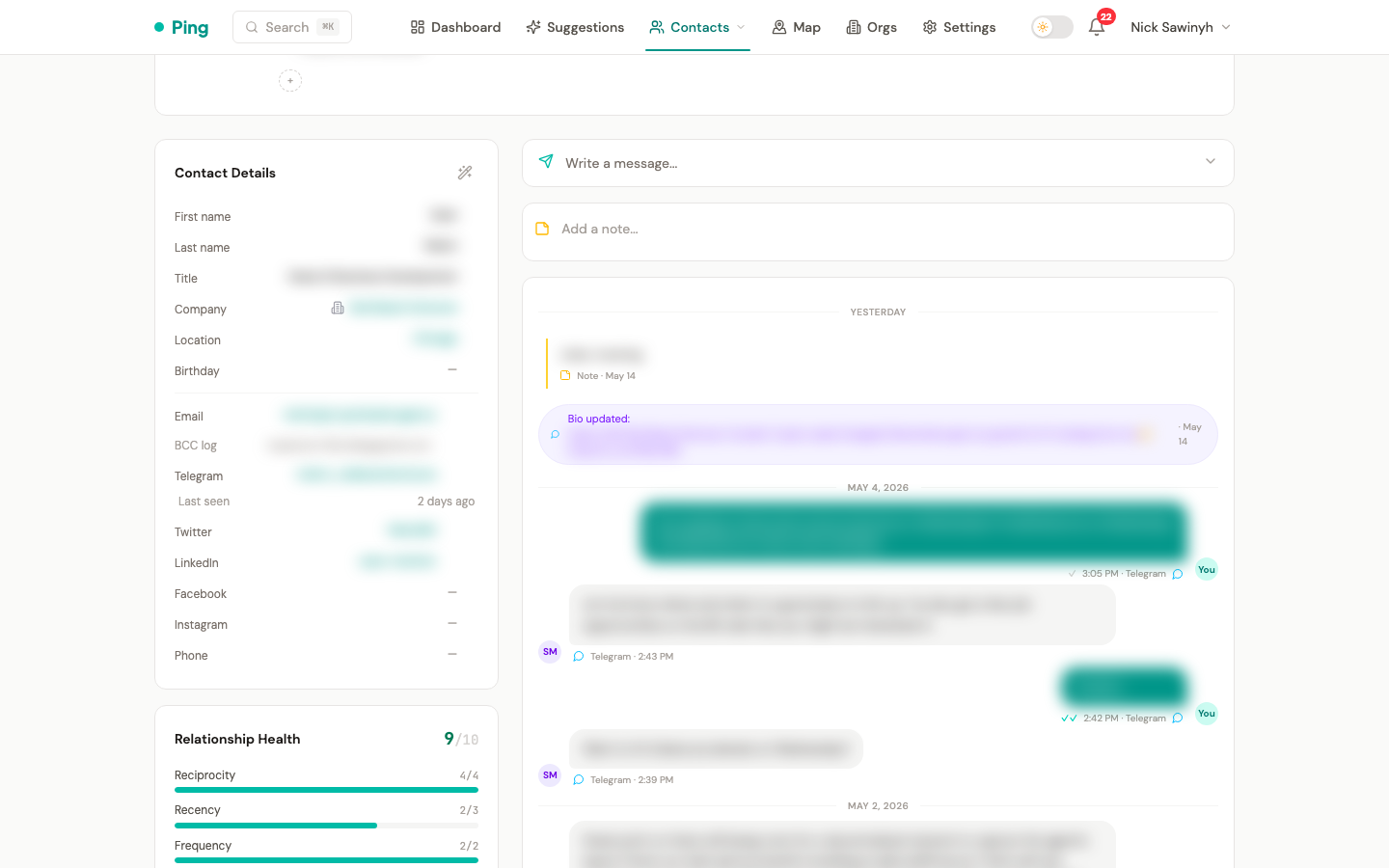
PingCRM periodically checks the Twitter bios of your contacts for changes. When a change is detected:
- A notification is created alerting you to the update.
- A timeline event is added to the contact's interaction history, recording the new bio text.
Bio changes are a valuable signal for identifying career moves, fundraising activity, and other networking-relevant events.
Event Classification (On-Demand)
When composing follow-up suggestions, PingCRM fetches recent tweets for the specific contact and uses Claude to classify events into:
| Category | Example |
|---|---|
| Job change | "Joined @newcompany as VP Engineering" |
| Fundraising | "Excited to announce our Series A" |
| Product launch | "Launching our new platform today" |
| Promotion | "Thrilled to step into my new role as CTO" |
| Milestone | "10 years in the industry" |
| Conference | "Speaking at @conference next week" |
Tweet fetching and classification are not run on a daily cron. Instead, they happen lazily when the follow-up engine needs context for a specific contact. This avoids unnecessary API calls for contacts that don't need suggestions. Fetched tweets are cached in Redis for 12 hours.
See Follow-Up Suggestions for the full suggestion algorithm, including how Twitter events feed into it.
Bird CLI (@steipete/bird)
PingCRM uses the Bird CLI (@steipete/bird v0.8.0) as the primary data source for Twitter/X. Bird authenticates via browser cookies rather than API keys, bypassing X API rate limits and credit restrictions.
What Bird CLI provides
| Feature | Bird command | OAuth fallback? |
|---|---|---|
| Tweet fetching | bird user-tweets @handle -n 5 | No |
| Profile resolution (user ID) | bird user-tweets @handle -n 1 --json-full | No |
| Bio refresh (profile data) | bird user-tweets @handle -n 1 --json-full | No |
| Mention sync | bird mentions -u @handle -n 50 --json | No |
| Reply sync | bird user-tweets @handle -n 50 --json (filtered to replies) | No |
| Handle → ID resolution | bird user-tweets @handle -n 1 --json-full | No |
Authentication
Bird requires two cookies extracted from an active browser session on x.com:
| Variable | Description |
|---|---|
AUTH_TOKEN | auth_token cookie from x.com |
CT0 | ct0 CSRF cookie from x.com |
Set these in your .env file. See the Setup Guide for details.
Error handling (no OAuth fallback)
Bird CLI is the sole source for mentions, replies, bio polling, and handle resolution. If bird CLI fails:
- A structured log entry is created (
logger.errorwithprovider=twitter) - A user notification is created ("Twitter mention sync unavailable — bird CLI error: ...")
- The sync returns gracefully (0 results) — no crash
The only remaining OAuth API usage is DM sync (/dm_events) and one-time user ID lookup (/users/me), which cannot be done via bird CLI.
Tweet caching
Tweets fetched via Bird are cached in Redis for 12 hours to minimize repeated CLI invocations and provide fast access for the message composer.
Installation
npm install -g @steipete/[email protected]
Verify installation:
bird --version
The backend checks for Bird availability at runtime via shutil.which("bird"). No configuration beyond the cookies is needed.
Sync Schedule
| Task | Schedule | What it does |
|---|---|---|
| Bio + profile polling | Daily (cron) | Fetches profiles via Bird CLI, detects bio changes, downloads avatars |
| DM sync | Daily (cron) | Imports DM conversations via Twitter OAuth |
| Mention sync | Daily (cron) | Imports @mentions and replies via bird CLI (zero API cost) |
| Tweet fetching + classification | On-demand | Fetched when composing follow-up suggestions (12h Redis cache) |