Identity Resolution
The Identity Resolution page (/identity) finds and merges duplicate contacts that represent the same person on different platforms. Matching has two tiers: exact identifier matches, then a probabilistic score.
The page has two tabs: Contacts (covered below) and Organizations, which lists duplicate organizations and uses the same compare-and-merge workflow.
Tier 1: Deterministic Matching
Tier 1 matches come from exact data overlap. They are merged automatically, without manual review.
Criteria:
- The same email address appears on two contact records.
- The same phone number appears on two contact records (compared by digits only).
- An email address in one contact's notes matches another contact's email.
Because these are unique identifiers, false positives are rare.
Deterministic matching also runs after Gmail, Telegram, Google Calendar, and LinkedIn syncs, and after Meta (Messenger and Instagram) extension pushes. Contacts created during those syncs that share an email or phone number with an existing contact are merged right away. Twitter syncs do not trigger it.
Tier 2: Probabilistic Matching
When no exact identifier overlaps, PingCRM computes a weighted similarity score from five signals:
| Signal | Base weight |
|---|---|
| Email domain match | 40% |
| Name similarity | 20% |
| Company match | 20% |
| Username similarity | 10% |
| Mutual signals (shared tags) | 10% |
A signal that is missing on either contact is left out, and its weight is redistributed across the remaining signals. Common mail providers (gmail.com, yahoo.com, hotmail.com, outlook.com, icloud.com, mail.com) never count as an email domain match.
A combined score above 85% triggers an automatic merge. Scores from 70% to 85% go to the manual review queue, and anything below 70% is discarded. To keep the comparison cheap, only contacts that share a blocking key (a name prefix or name token, company, email domain, or social handle) are compared.
Guards
These guards reduce false positives:
- Colleague guard: two contacts at the same company with clearly different names are capped at 35%. The same applies to a shared email domain with different names.
- Same-source skip: two contacts that both have a Telegram ID or username, a LinkedIn profile ID, or a Twitter ID or handle are never compared, because each platform identifier belongs to one person.
- Name guards: when the first or last names differ clearly (for example "Sam Bronstein" and "Max Bronstein"), name similarity is capped at 30%. A match on a single first name with no corroborating signal is heavily penalized.
- Archived exclusion: archived contacts are left out of every scan and of the pending matches list.
Manual Review Queue
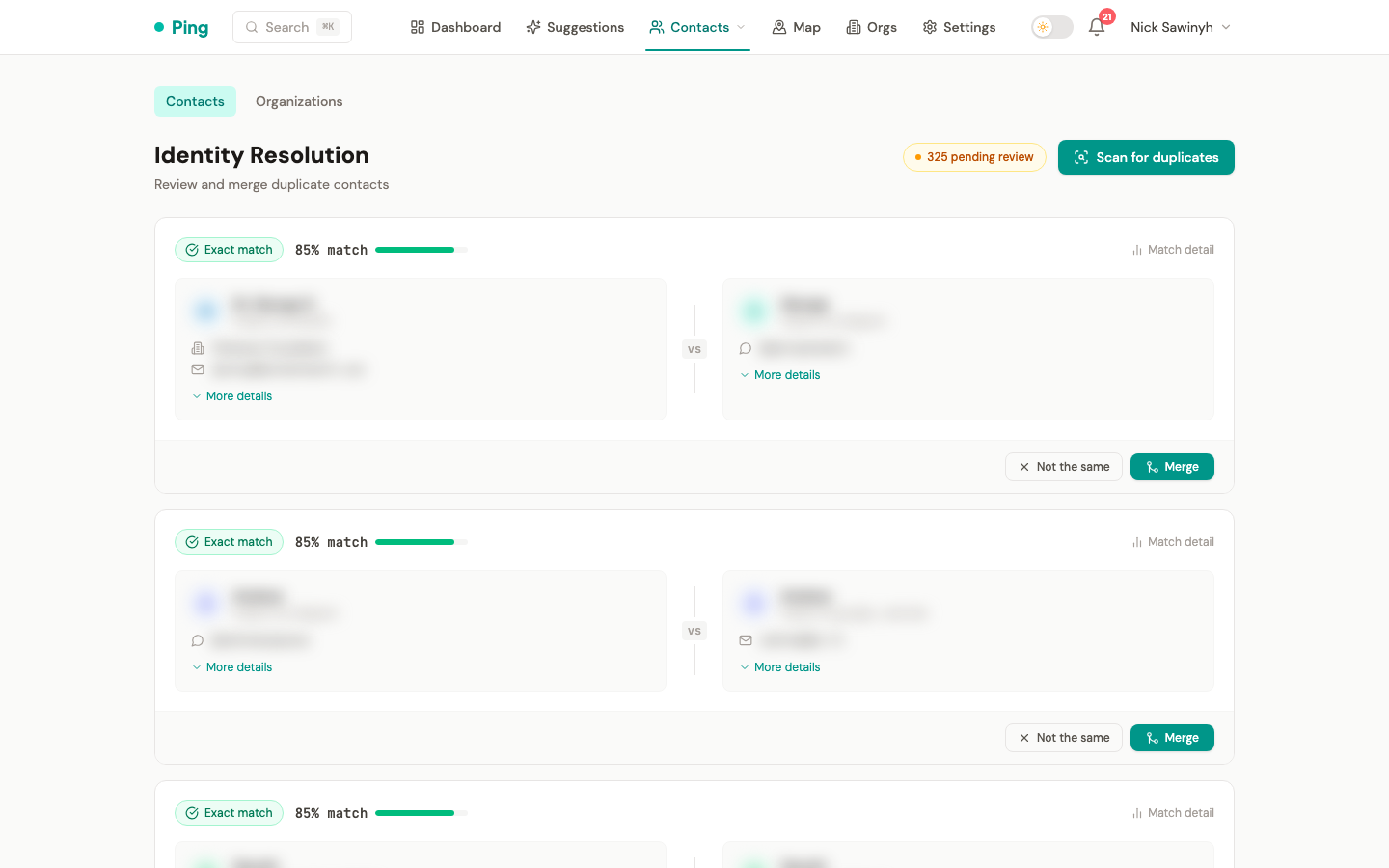
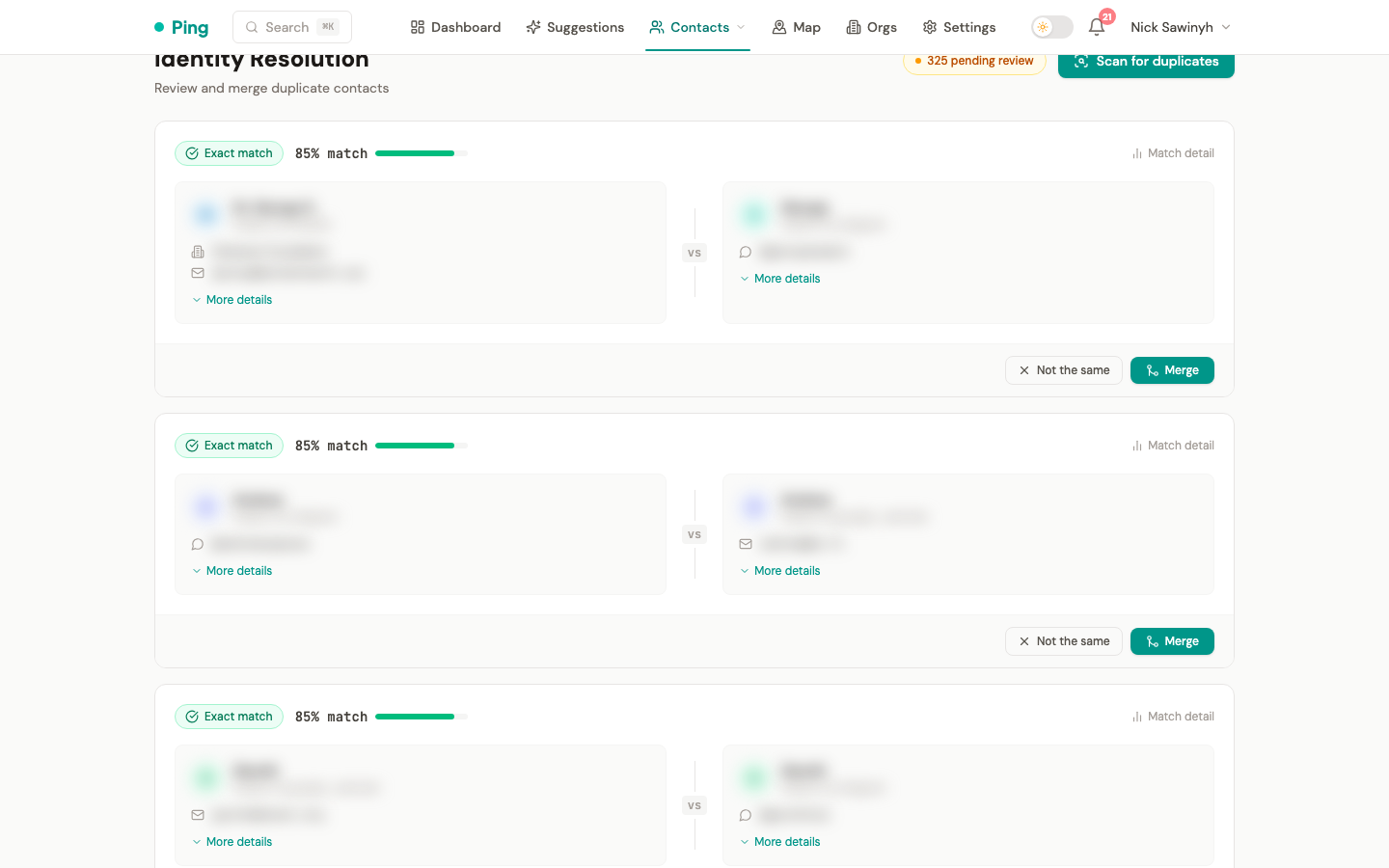
Pairs scored below the auto-merge threshold appear in the review queue. Each pair is a side-by-side comparison card showing:
- Names, emails, and phone numbers from both records.
- Platform sources (Gmail, Telegram, Twitter, LinkedIn).
- Company and title.
- Interaction history summaries.
For each pair you can:
- Merge: combine both records into one contact, keeping all interactions and platform links.
- Reject: mark the pair as not a match, so it is not suggested again.
On-Demand Scan
The Scan for duplicates button runs both tiers across all your contacts. It is useful after a large import or platform sync. The scan runs synchronously and reports matches found, auto-merged, and pending review. It is not a background job and sends no notification.