Telegram Integration
PingCRM connects to Telegram using the MTProto protocol via the Telethon library, providing access to DMs, group memberships, and user bios.
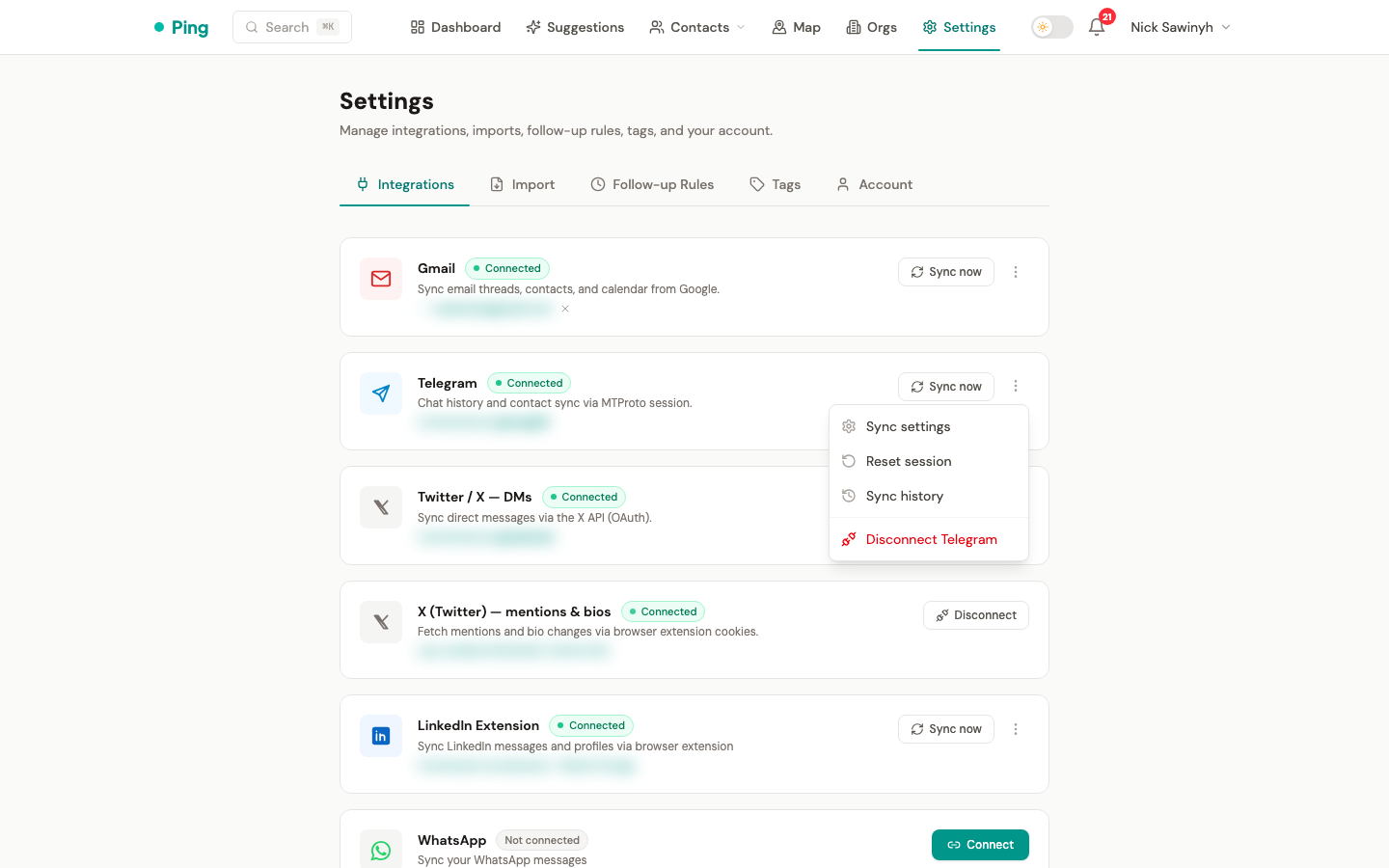
Authentication
The Telegram auth flow has three steps:
- Phone number — enter your phone number (with country code).
- OTP — enter the one-time code delivered to your Telegram app.
- 2FA password — if two-step authentication is enabled on your account, enter your cloud password.
Once authenticated, the session is persisted so you do not need to re-authenticate on each sync.
What Gets Synced
| Data | Source | Frequency |
|---|---|---|
| Direct messages | DM dialogs | Daily (03:00 UTC) + manual |
| Contact info | DM participants | During chat sync |
| Group members | Private groups / supergroups | First sync only; on-demand thereafter |
| User bios | Telegram "about" field | Every 3 days (periodic recheck, 3-day staleness); first-sync bio step uses a 7-day staleness filter |
| Usernames | All synced users | During chat / group sync |
| Phone/video calls | DM call events | During chat sync (call_type + duration recorded) |
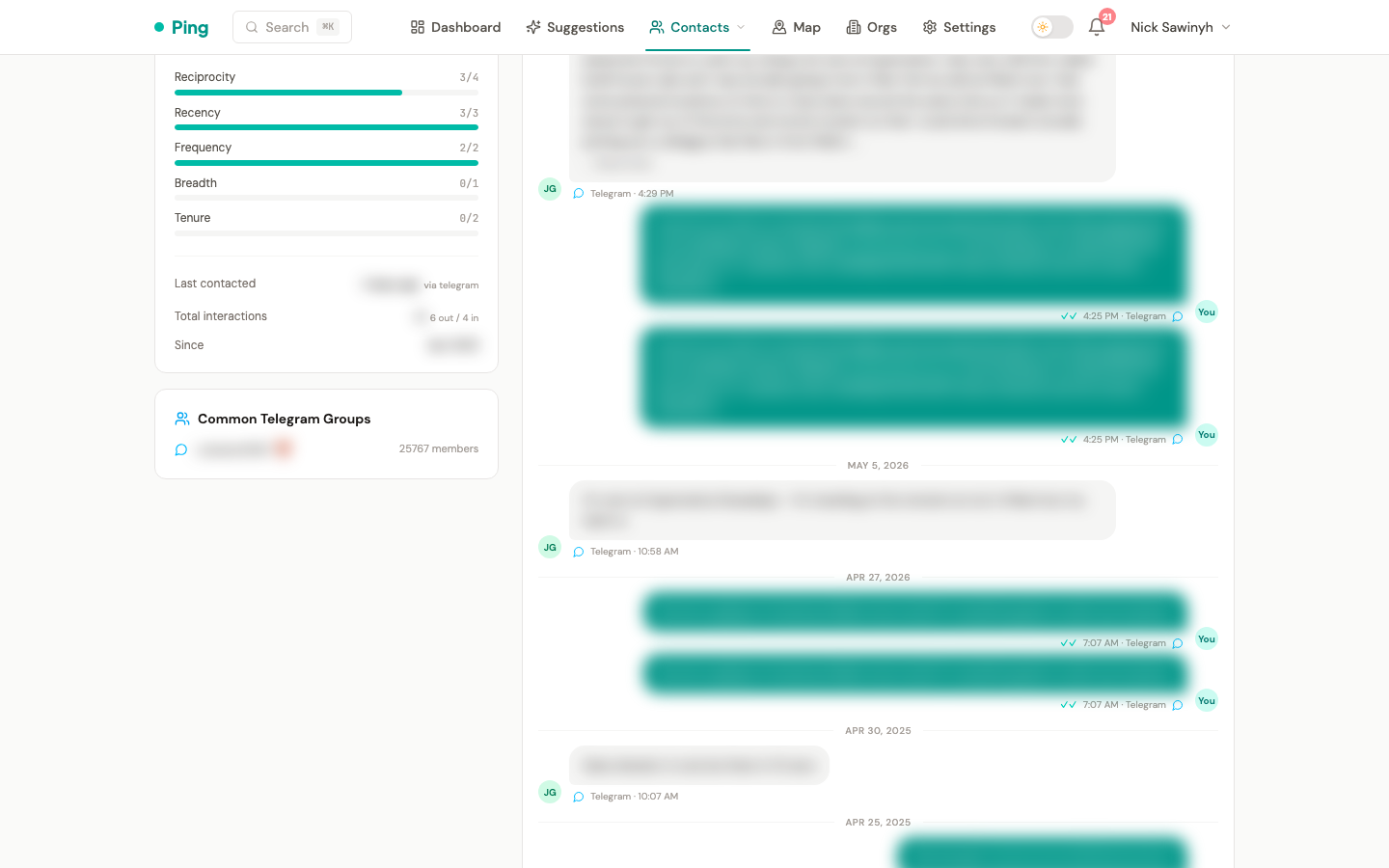
| Common groups | Shared group memberships | Cached 24 hours |
Chat Sync
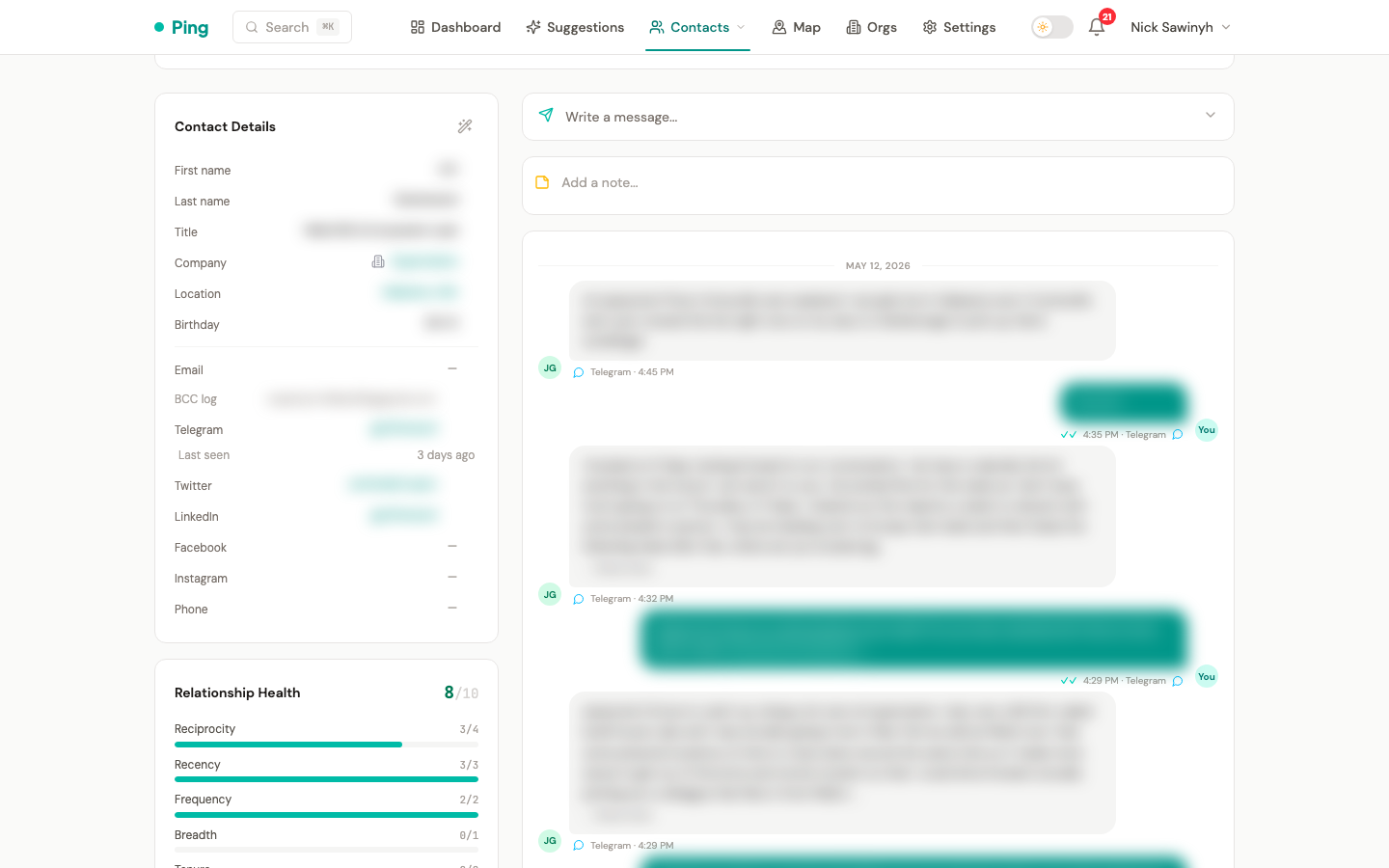
Chat sync imports direct messages as interactions.
Schedule
- Automatic: Daily at 03:00 UTC via Celery beat.
- Manual: Trigger from Settings > Integrations > Telegram > "Sync now".
How it works
- Fetches your Telegram dialogs (conversations).
- Skips dialogs that have not changed since the last sync, reducing API calls by approximately 80%.
- For each dialog with new messages, imports messages as interactions linked to the matching contact.
First sync vs incremental
- First sync: Processes all dialogs, chunked into batches of 50 to stay within rate limits. Groups and bios are also synced as part of the first-sync chain.
- Incremental sync: Only processes the 100 most recent dialogs. Group member sync and bio sync run independently (on-demand or via their own periodic schedule) — they are not included in the daily incremental chain.
Contact resolution
For each DM participant, PingCRM tries to match an existing contact by:
telegram_user_id(numeric Telegram ID — most reliable, survives username changes)telegram_username(@ handle)- Phone number
If no match is found, a new contact is created with source: "telegram".
Group Member Sync
PingCRM discovers contacts from Telegram groups you share with other users. This creates 2nd Tier contacts — see 2nd Tier Contacts below.
How it works
- Iterates through your Telegram dialogs, filtering for private groups and supergroups only.
- Public groups (those with a username/invite link) are skipped.
- For each group, fetches up to 200 members.
- Bots are excluded.
- New members are created as contacts tagged "2nd Tier".
- Existing contacts are checked for interactions — if they have any, the "2nd Tier" tag is automatically removed.
Limits
- Maximum 20 groups scanned per sync.
- Maximum 200 members per group.
2nd Tier Contacts
Definition
A 2nd Tier contact is someone discovered through Telegram group membership whom you have never directly messaged. They are tagged with "2nd Tier" to distinguish them from direct conversation contacts (1st Tier).
Behavior
- Auto-created during group member sync from private groups/supergroups.
- Auto-promoted to 1st Tier when the contact gains a direct interaction (DM, email, etc.) — the tag is automatically removed.
- Excluded from follow-up suggestions — 2nd Tier contacts do not appear in your follow-up queue.
- Excluded from AI auto-tagging — taxonomy tags are not applied to 2nd Tier contacts.
- Excluded from periodic bio rechecks — the 3-day bio recheck task skips 2nd Tier contacts to save API calls.
- Excluded from relationship scoring — 2nd Tier contacts are not scored and do not affect your relationship health metrics.
Configuring 2nd Tier sync
You can control 2nd Tier contact sync from Settings > Integrations > Telegram:
- Toggle ON/OFF: Enable or disable syncing of 2nd Tier contacts. When disabled, future syncs will not create new 2nd Tier contacts from group members.
- Bulk delete: Remove all existing 2nd Tier contacts at once.
- Promote individual contacts: On any 2nd Tier contact's detail page, use the "Promote to 1st Tier" action to remove the tag.
Disabling 2nd Tier sync does not delete existing 2nd Tier contacts — use the bulk delete option if you want to remove them.
Privacy and compliance
2nd Tier contact collection is opt-in by design. You control exactly what data PingCRM stores about people you have never directly interacted with:
- User control: The
sync_2nd_tiertoggle lets you stop collection at any time. Bulk delete lets you remove previously collected records in one action. - Reduced noise: Keeping passive group members out of your CRM avoids polluting your follow-up queue with people you do not have a real relationship with.
- GDPR alignment: Limiting data collection to contacts with whom you have had a direct interaction reduces the personal data footprint and simplifies compliance with data-minimisation principles.
Bio Sync
User bios (the "about" field in Telegram profiles) are periodically checked for changes.
Freshness filter
A freshness filter skips contacts whose bio was last checked within the staleness window (based on each contact's telegram_bio_checked_at timestamp, set only by bio sync). The window is 7 days for the first-sync bio step and 3 days for the periodic recheck.
Periodic recheck
Every 3 days, a background task rechecks bios for all non-2nd-Tier contacts whose telegram_bio_checked_at is older than 3 days or null.
Bio change detection
Bio changes can indicate job transitions or new ventures. When a bio change is detected, a notification is created so you can review it.
Common Groups
For each contact, PingCRM identifies Telegram groups you both belong to.
- Data is cached for 24 hours per contact.
- Displayed in the contact detail sidebar as shared context.
- Can be force-refreshed from the contact detail page.
Sync Chain Architecture
The sync chain differs between first sync and incremental syncs.
First sync
When telegram_last_synced_at is null (account never synced before):
Chat batches (all dialogs, 50 per batch) → Group members → Bios → Notify (release lock)
Incremental sync (daily)
For subsequent daily syncs, only messages are processed in the chain. Group member sync and bio sync run independently via their own schedules or on-demand.
Chats (100 most recent dialogs) → Notify (release lock)
A sync lock prevents concurrent syncs for the same user. The lock has a 1-hour TTL and is cleaned up by an hourly watchdog task.
Rate Limiting
Telegram enforces strict rate limits via FloodWait errors.
How PingCRM handles rate limits
- A Redis key
tg_flood:{user_id}tracks active cooldowns with a TTL. - FloodWait coordination spans all Telegram operations (chat sync, bio sync, group sync) so that one operation's cooldown is respected by all others.
- The send-message endpoint returns HTTP 429 with a
Retry-Afterheader when a cooldown is active. - The frontend displays a countdown timer until the operation can be retried.
Sync lock
- A Redis-based lock (
tg_sync_lock:{user_id}) prevents overlapping syncs. - Lock TTL: 1 hour.
- An hourly watchdog task cleans up stale locks from crashed workers.
- A Lua compare-and-delete script ensures only the lock owner can release it, preventing race conditions.