Gmail Integration
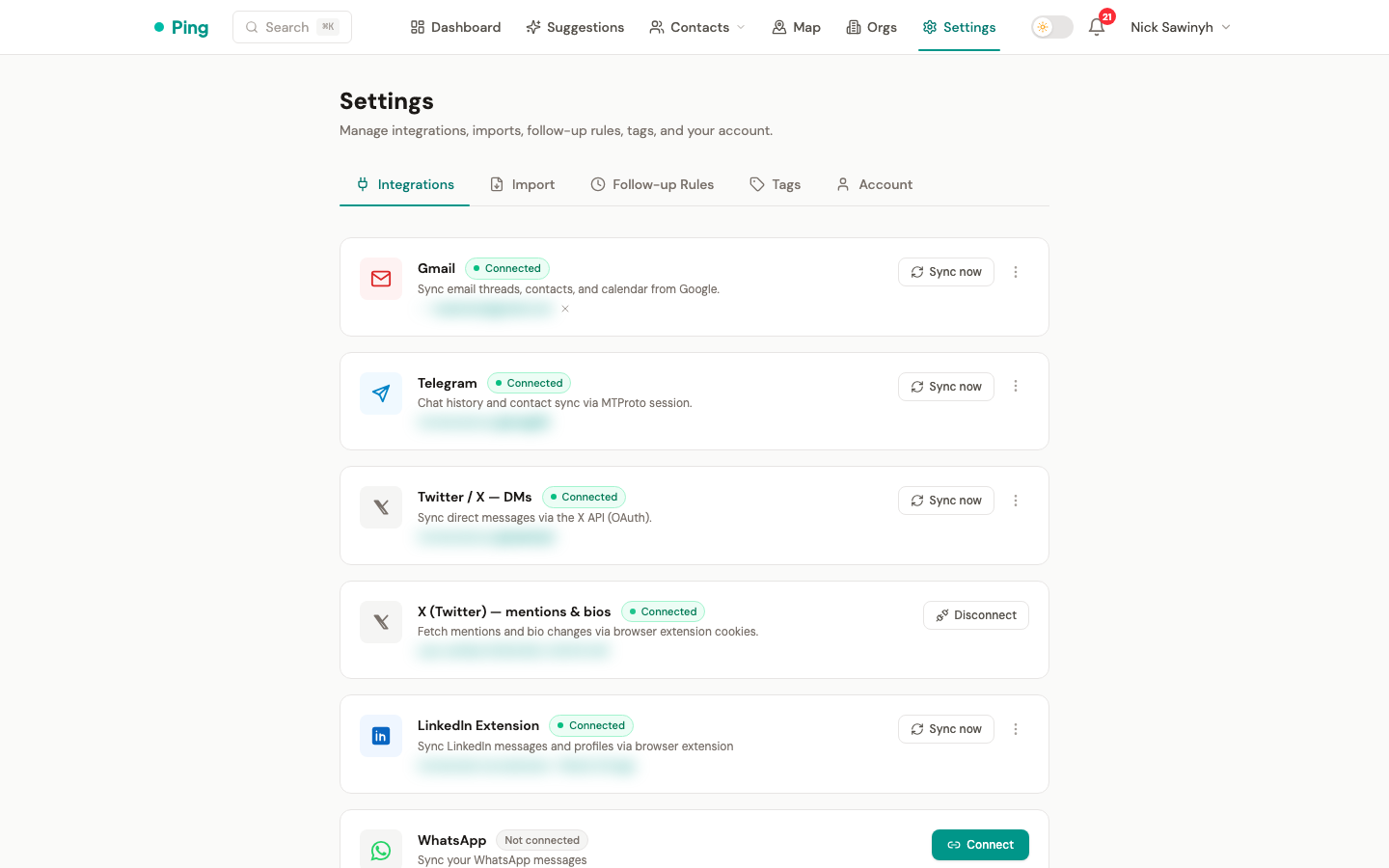
PingCRM connects to Gmail via OAuth 2.0 with Google, syncing email threads, contacts, and calendar events to build a complete interaction history.
Authentication
The Gmail integration uses standard Google OAuth 2.0. After granting access on the Google consent screen, PingCRM stores a refresh token to maintain access without repeated sign-in. Multi-account support allows connecting more than one Gmail address.
Email Sync
Individual email messages are imported as interactions. Each message captures:
- Sender and recipients -- mapped to existing contacts or used to create new ones.
- Direction -- inbound (contact sent to you) or outbound (you sent to contact), per message.
- Subject line -- prepended to the message snippet for context.
- Timestamps -- sent times for accurate timeline ordering.
- Body snippets -- a preview of the email content without storing full message bodies.
Messages are deduplicated by Gmail message ID. Multi-message threads create separate interactions for each message, showing the full conversation flow in the timeline.
Schedule: Email sync runs automatically every 6 hours.
BCC Email Logging
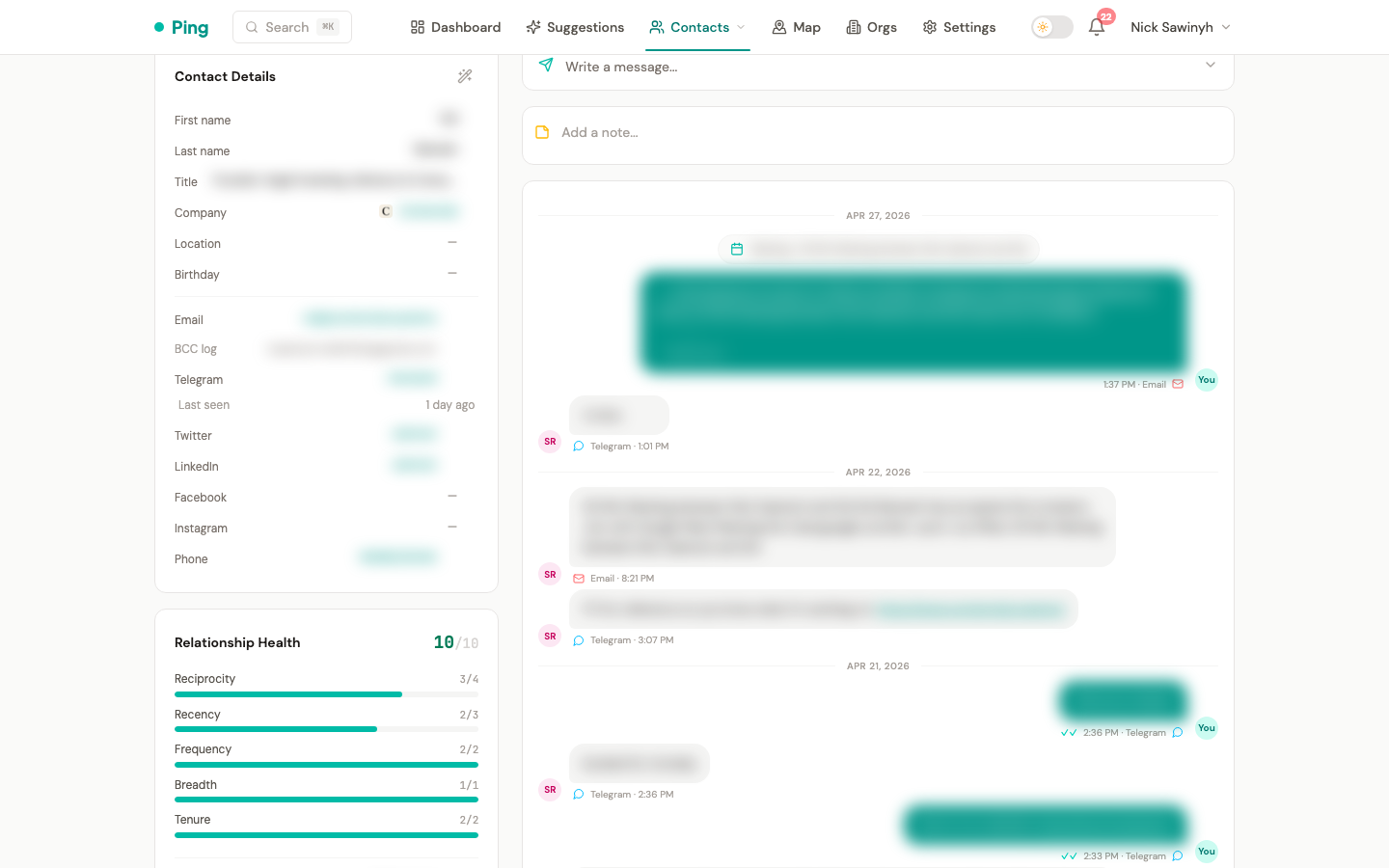
Each contact has a unique BCC address. When you BCC that address on any email from any client (Gmail, Outlook, Apple Mail), PingCRM automatically logs the email to that contact's timeline.
Format: yourname+{hash}@gmail.com (uses your connected Gmail address with a +hash suffix)
How it works:
- Find the BCC address on the contact detail page (copy button next to the hash).
- When composing an email, add the BCC address.
- Gmail delivers the email to your inbox (the
+suffix is ignored by Gmail). - On next sync, PingCRM detects the
+hashin the headers and links the interaction to the correct contact.
No custom domain or email infrastructure required -- it uses Gmail's native + addressing.
Google Contacts Sync
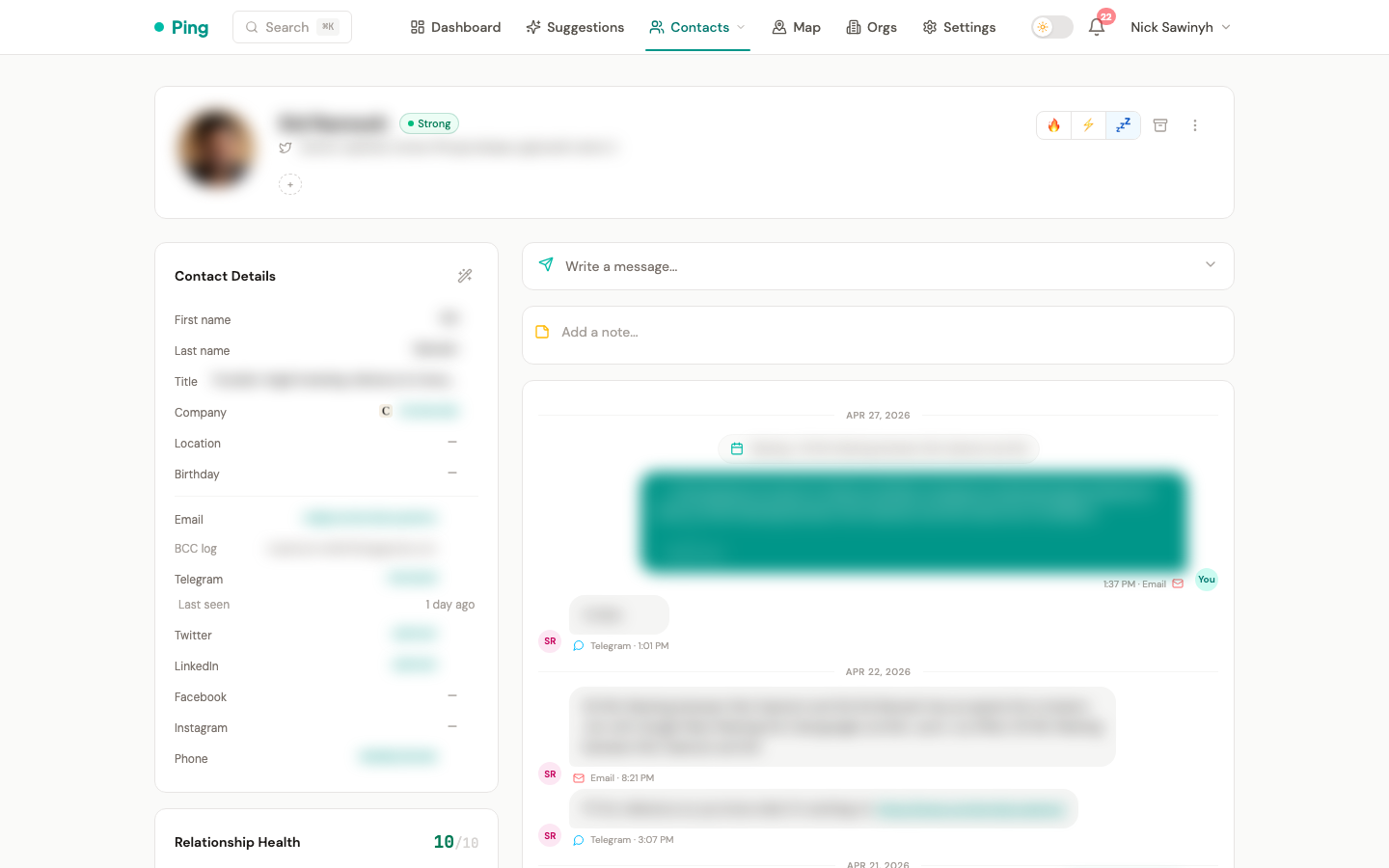
A one-way import pulls contacts from Google Contacts into PingCRM. Contact records include names, email addresses, phone numbers, and organization fields. This import does not write back to Google -- it is read-only.
Google Calendar Sync
Calendar events are imported as meeting-type interactions. Event attendees are matched to existing contacts by email address. Events include title, start/end times, and attendee lists.
Schedule: Calendar sync runs daily at 06:00 UTC.
Pre-Meeting Prep Emails
When a Google Calendar meeting is 30 minutes away, PingCRM sends a prep brief email to your inbox with context about each attendee:
- Attendee profiles -- name, title, company, and relationship score (Strong/Warm/Cold).
- Platform bios -- Twitter, LinkedIn, and Telegram bios when available.
- Recent interactions -- the last 3-5 conversations across all platforms.
- AI talking points -- Claude Haiku generates 3-5 specific, actionable talking points based on the attendee context.
The email is sent from your own Gmail account via the Gmail API (gmail.send scope). Existing users may be prompted to re-authorize Gmail to grant the new send permission.
Schedule: A background task scans for upcoming meetings every 10 minutes. Meetings in the 30-40 minute window trigger a prep email. Redis dedup keys prevent duplicate sends.
Settings: The feature is enabled by default. Disable it via Settings > Sync Settings > Gmail > meeting_prep_enabled.
Background Processing
All Gmail syncs (email, contacts, calendar) and meeting prep emails run as Celery background tasks. You do not need to keep the browser open. A notification is delivered when each sync completes or fails.