LinkedIn Integration
PingCRM syncs LinkedIn messages and profiles through a Chrome extension. The extension calls LinkedIn's internal Voyager API directly from your browser — no LinkedIn credentials are sent to the backend.
Installing the Extension
The PingCRM Chrome extension is not published on the Chrome Web Store. It ships as source from the main PingCRM repository and is installed in developer mode:
- Download the extension source from the PingCRM GitHub repo — either clone the repo or download a ZIP and extract it. The extension lives in the
chrome-extension/folder. - Open
chrome://extensionsin Chrome (or any Chromium browser — Edge, Brave, Arc). - Toggle Developer mode on in the top-right corner.
- Click Load unpacked and select the
chrome-extension/folder from the repo. - The PingCRM extension appears in your toolbar — pin it for easy access.
To update later, git pull in the cloned repo (or re-download the ZIP) and click the reload icon on the extension's card in chrome://extensions.
Extension Pairing
Connecting the extension uses a one-time pairing code instead of a password:
- Open the extension popup — it displays a code like
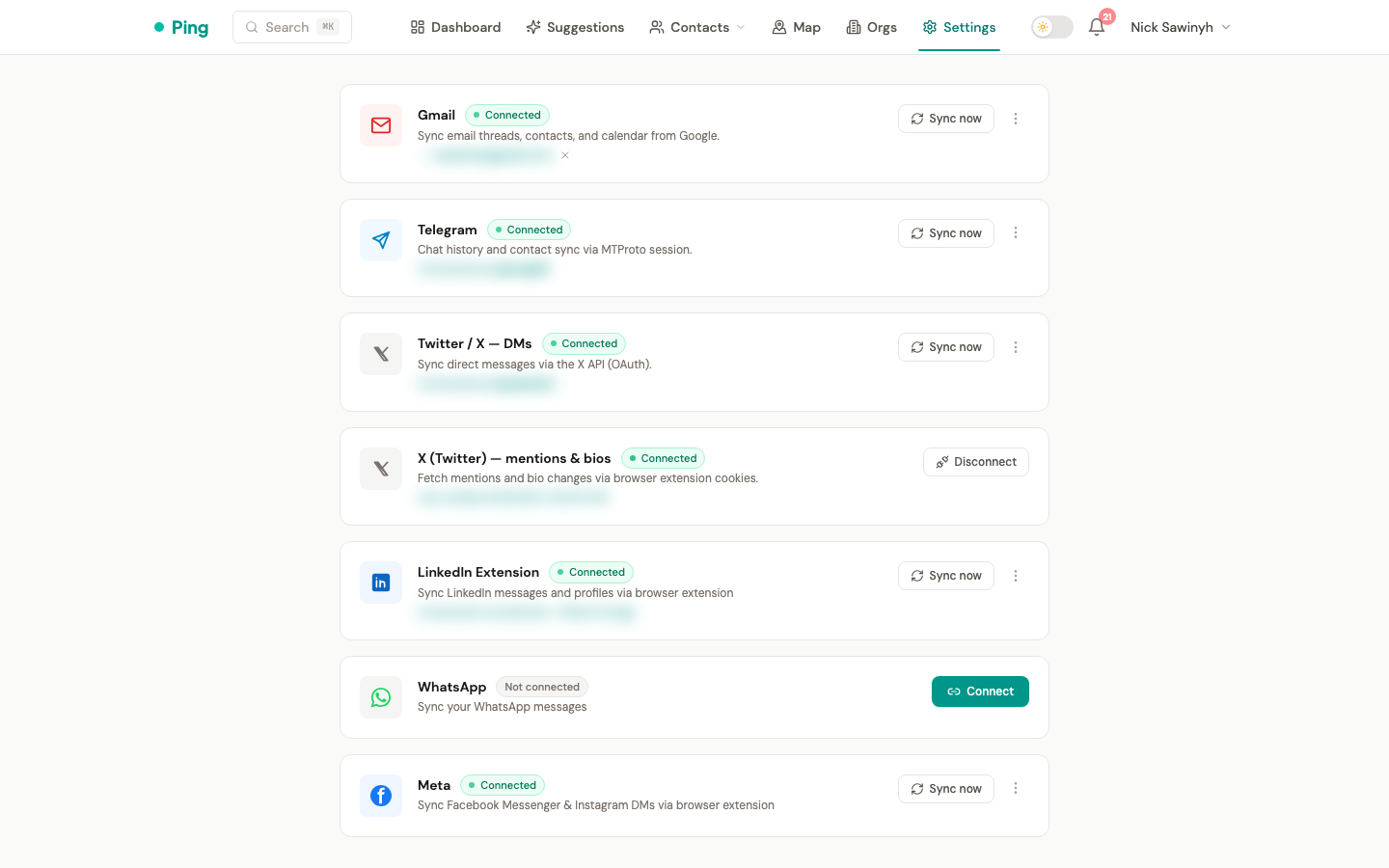
PING-X7K3M2. - Open PingCRM Settings → Integrations → LinkedIn and click Connect.
- Enter the code in the modal and click Pair.
- The extension polls the backend and, once matched, shows Connected.
Pairing codes expire after 10 minutes. The issued token is valid for 30 days and renews silently on use: when a sync receives a 401, the extension transparently exchanges the expired token for a fresh 30-day one via /api/v1/extension/refresh, so you normally never see a pairing prompt after the first setup. Tokens that are more than 90 days past expiry are not renewable — the popup then flips to the unpaired view and you re-pair with a new code.
Message Sync
Messages are fetched via LinkedIn's Voyager GraphQL API, called directly from the extension's service worker. This provides access to full conversation history, not just whatever is visible on the page.
On each sync the extension reads your LinkedIn session cookies from the browser, fetches conversations sorted by most-recent activity, and stops paginating once it reaches messages already seen in a previous sync (the watermark). Parsed results are pushed to the backend; LinkedIn cookies are never included.
A 15-minute throttle prevents excessive syncs during a browsing session. The popup's Sync Now button bypasses the throttle for an immediate sync.
What Gets Synced
The extension syncs contacts you have LinkedIn conversations with. If you've exchanged messages with someone, they become a contact in PingCRM with their most recent message, profile info, and avatar. You can also pull and regenerate AI follow-up suggestions directly from LinkedIn using the P and R buttons injected into the messaging composer.
Synced automatically:
- Contacts you've messaged (inbound and outbound)
- Profile data (name, headline, company, location, avatar) via Voyager API backfill
- Up to 500 conversations per sync cycle
Not synced:
- LinkedIn connections you've never messaged
- Profiles you browse but don't message
- Group chat messages
Suggestion Buttons (P and R)
When you open a LinkedIn message composer, the extension injects two small buttons into the toolbar:
- P (Pull) — pastes the current pending suggestion's draft directly into the LinkedIn composer. This button is hidden when no pending suggestion exists.
- R (Regenerate) — regenerates the AI draft and replaces the composer text with the new version.
The draft is inserted into the composer via a simulated paste event, so the LinkedIn send button activates normally. Both buttons use the extension's scoped JWT (aud: pingcrm-extension) to authenticate against the same /api/v1/suggestions endpoints used by the web app.
Extension Architecture
The extension is built from two main pieces:
- Content script — monitors the LinkedIn page for compose areas inside LinkedIn's shadow DOM. When a compose area appears, it injects the P and R buttons and manages the suggestion overlay lifecycle.
- Service worker — handles sync logic: reads LinkedIn session cookies, calls the Voyager GraphQL API to fetch conversations and profiles, resolves a contact by matching the Voyager member ID or profile slug against the backend, and pushes parsed results to
/api/v1/linkedin/push.
When the composer toolbar is detected, the content script asks the service worker for the pending suggestion for that contact (via /api/v1/suggestions); the P button then pastes that cached draft. The R button calls /api/v1/suggestions/{id}/regenerate. Text is inserted into the composer via a paste event simulation so LinkedIn's React input detects the change correctly.
Profile Backfill
After each sync, the backend identifies contacts missing a job title, company, or avatar. The extension then fetches those profiles via the Voyager API and pushes the enriched data back — up to 10 profiles per sync cycle. The current company is read from the profile's active position (the experience with no end date), and the avatar CDN URL is fetched as image bytes inside the LinkedIn tab (the backend can't download from LinkedIn's CDN directly).
Backfill can only enrich contacts whose linkedin_profile_id is a public slug. Contacts created from DMs are often keyed on an anonymized member id (ACo…), which the profile endpoint rejects — those are skipped by backfill and enriched via profile visits instead (below).
Profile-Visit Enrichment
When you open someone's LinkedIn profile (/in/<slug>), the extension fetches that person via the Voyager API and pushes their avatar, current company, headline, and location to the backend. The push includes both the public slug and the member id, so the backend can match a contact that was created from a DM under an anonymized ACo… id, enrich it, and upgrade its stored identity to the real slug.
This path is enrichment-only: opening the profile of someone who isn't already a contact does not create a new CRM entry. Each profile is fetched at most once per 10 minutes.
Importing Full History
For a complete import of your LinkedIn network (including connections you haven't messaged), use LinkedIn's data export:
- Go to LinkedIn Data Export and request your data
- Download the archive when ready (usually takes ~24 hours)
- Extract
Connections.csvfrom the archive - In PingCRM, go to Contacts → Import and upload the CSV
This imports all your 1st-degree connections with names, companies, positions, and email addresses. The extension's Voyager sync will then enrich these contacts with avatars and recent message history on subsequent syncs.
Privacy
LinkedIn session cookies (li_at and JSESSIONID) are read fresh from your browser at the start of every sync and are used only to authenticate Voyager API calls made from the extension itself. They are never transmitted to the PingCRM backend. All Voyager requests originate from your browser and your IP address, indistinguishable from normal LinkedIn browsing.
Sync Schedule
| Trigger | Behavior |
|---|---|
| Any LinkedIn page visit | Syncs if more than 15 minutes have passed since the last sync |
| Manual "Sync Now" (popup) | Syncs immediately, no throttle |
Sync is purely event-driven — no background alarms or scheduled tasks are needed. If your LinkedIn session expires, the popup shows a prompt to visit linkedin.com so the extension can pick up fresh cookies automatically on your next page visit.