Dashboard
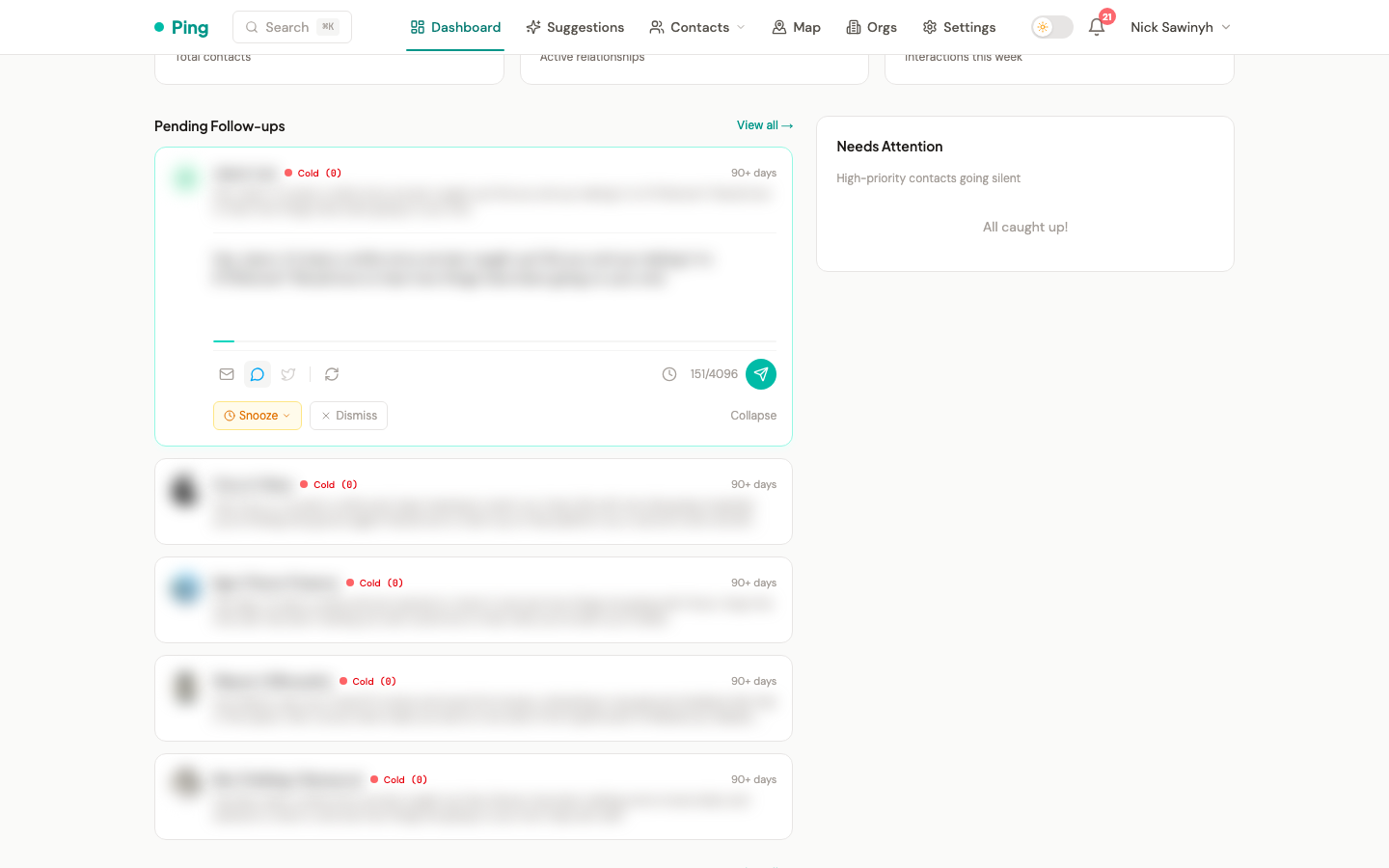
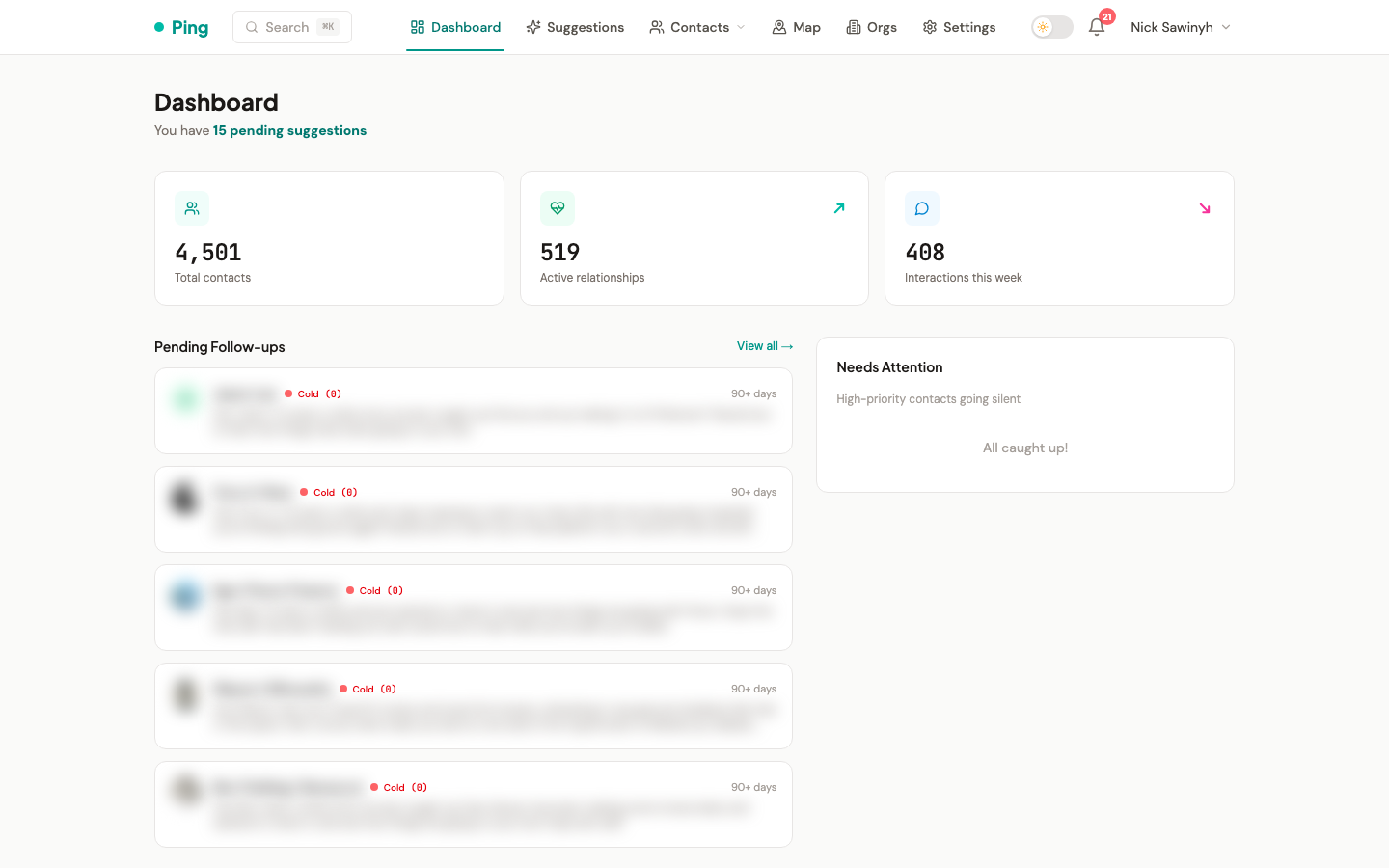
The /dashboard page is the daily-driver view: stat cards at the top, follow-ups and activity in the centre, and an "is anything slipping" panel on the right. All data is fetched through React Query hooks and refreshes on focus.
Stat Cards
Three counters at the top of the page. Active relationships and Interactions this week each show a week-over-week trend arrow when prior data is available; Total contacts has no trend arrow.
- Total contacts — every contact in the CRM, archived and active.
- Active relationships — sum of contacts in the
activeandstrongscore buckets. The trend compares against the same value seven days ago. - Interactions this week — total interactions across all platforms in the last 7 days, with the previous 7 days as comparison.
When a fresh account has zero contacts, the stat cards are replaced with an inline onboarding card that prompts you to connect an account or import a CSV.
Pending Follow-ups
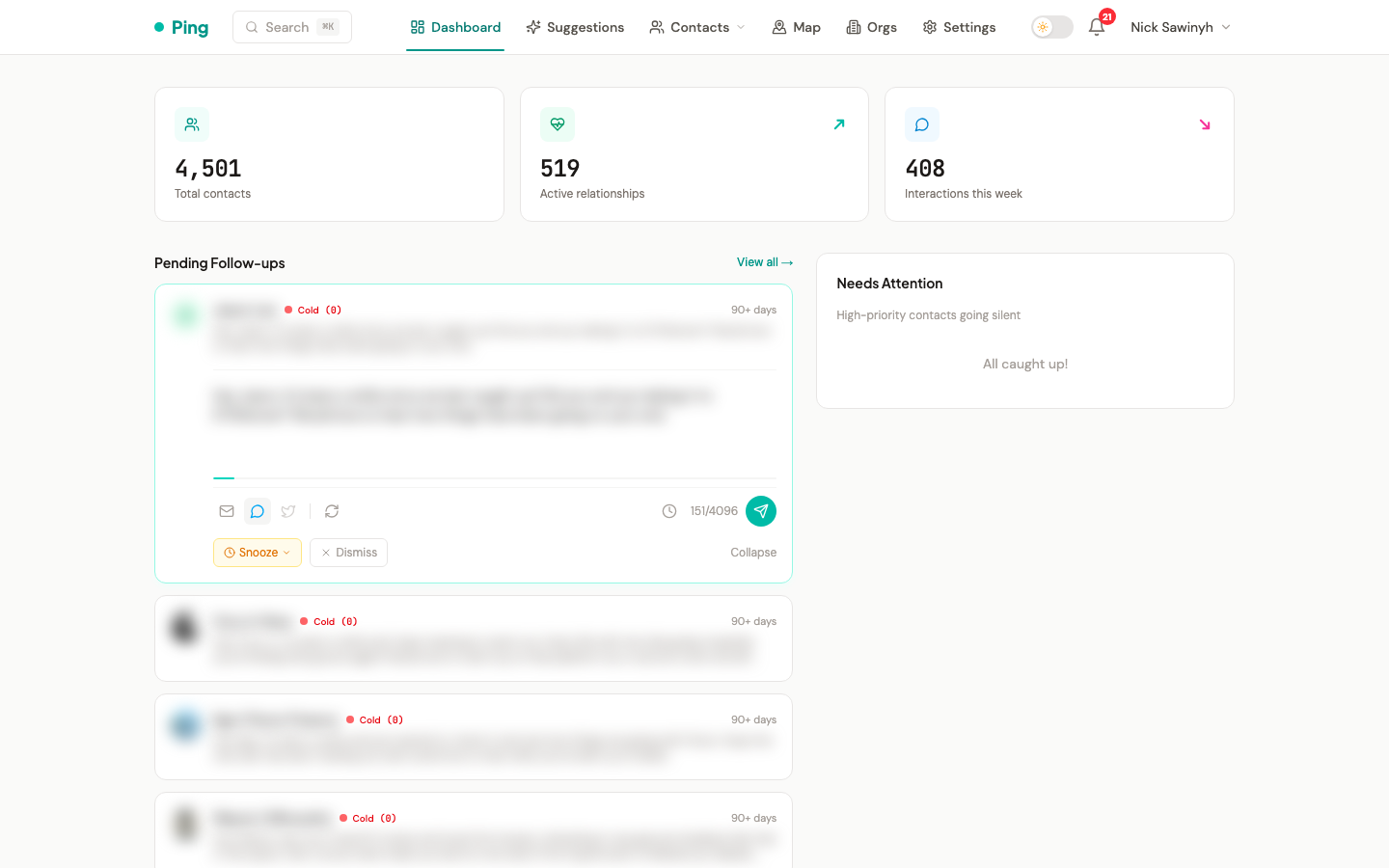
Up to five pending suggestions from the follow-up engine, each rendered as an expandable card. Click a card to reveal the AI-drafted message inline; from there you can:
- Send through the suggested channel (email, Telegram, or Twitter).
- Snooze for 2 weeks, 1 month, or 3 months.
- Dismiss to remove the suggestion.
A trigger badge on each card shows why the suggestion fired: 90+ days, New event, Scheduled, or Birthday. The "View all →" link jumps to the full /suggestions page.
Recent Activity
A chronological feed of the most recent interactions across every platform — sent and received emails, Telegram messages, Twitter DMs, LinkedIn messages, manual notes, and meeting records. Each row links to the relevant contact.
Needs Attention
A side panel listing high-priority contacts where outreach is overdue (no interaction past their priority threshold). Each row links to the contact detail page; an inline pill in the header shows the count when any are present. When everyone is on schedule, the panel reads "All caught up!".
The list is capped to a small number on the dashboard; click "View all →" to open the contacts page sorted by overdue.