Notifications
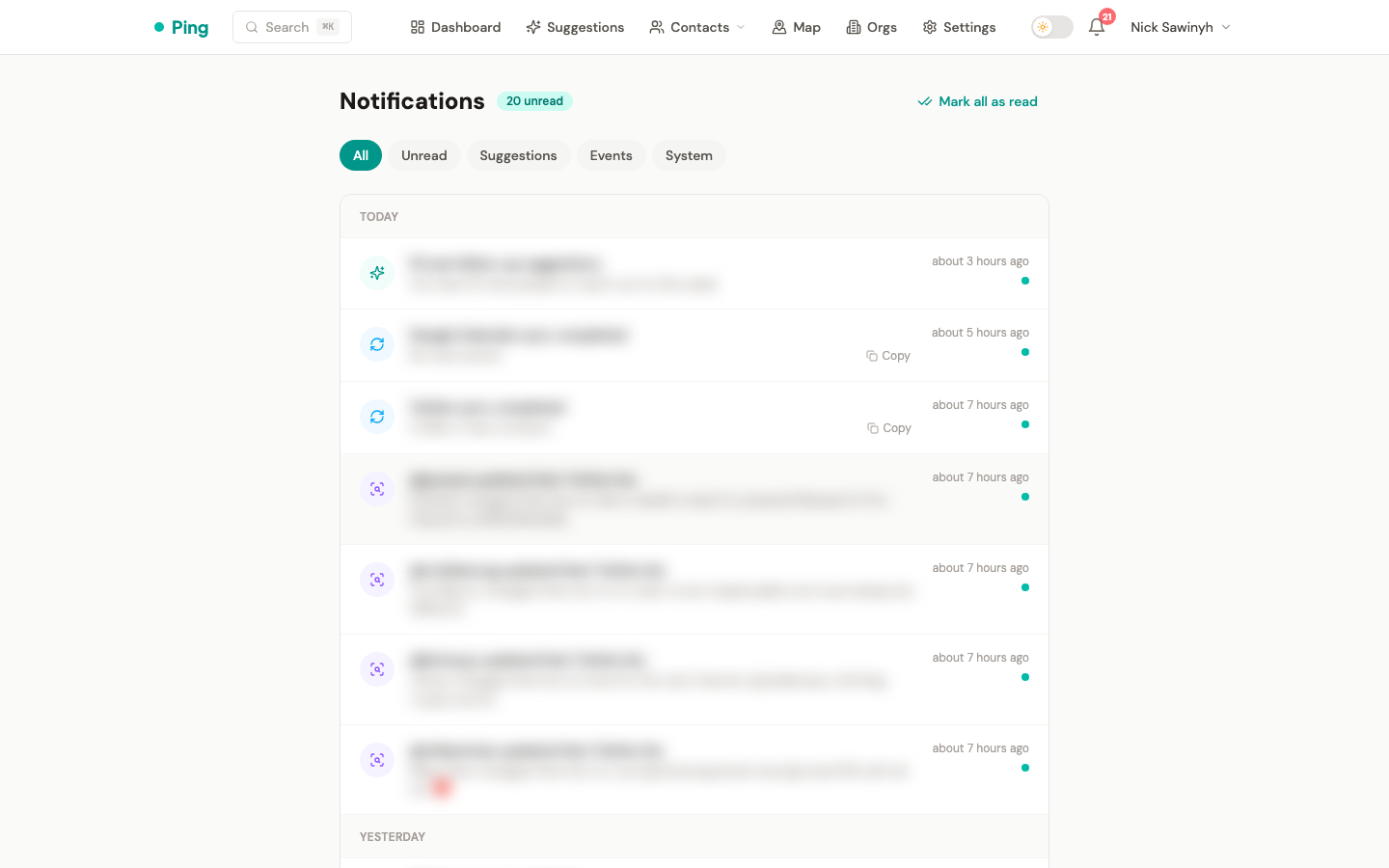
The Notifications page (/notifications) is the central feed for system events, alerts, and actionable updates. An unread badge in the navbar indicates how many unread notifications are pending.
Notification Types
PingCRM generates notifications for the following events:
- Sync completion -- confirms that a platform sync (Gmail, Telegram, Twitter) finished successfully, including counts of new or updated records.
- Sync failure -- alerts when a sync could not complete, with error details.
- New suggestions -- notifies when the follow-up engine produces new outreach suggestions.
- Bio change detections -- fires when a monitored Twitter or Telegram contact updates their bio, often indicating a job change or new venture.
- Auto-tagging -- reports when an automatic LLM tagging run finishes (or fails).
- Rate limit alerts -- warns when a platform API rate limit has been hit, with estimated recovery time.
- Connection expired -- alerts when a platform OAuth token has expired and needs re-authorization.
- Meeting prep re-auth -- prompts re-authorization when the
gmail.sendscope is needed for pre-meeting prep emails.
Actions
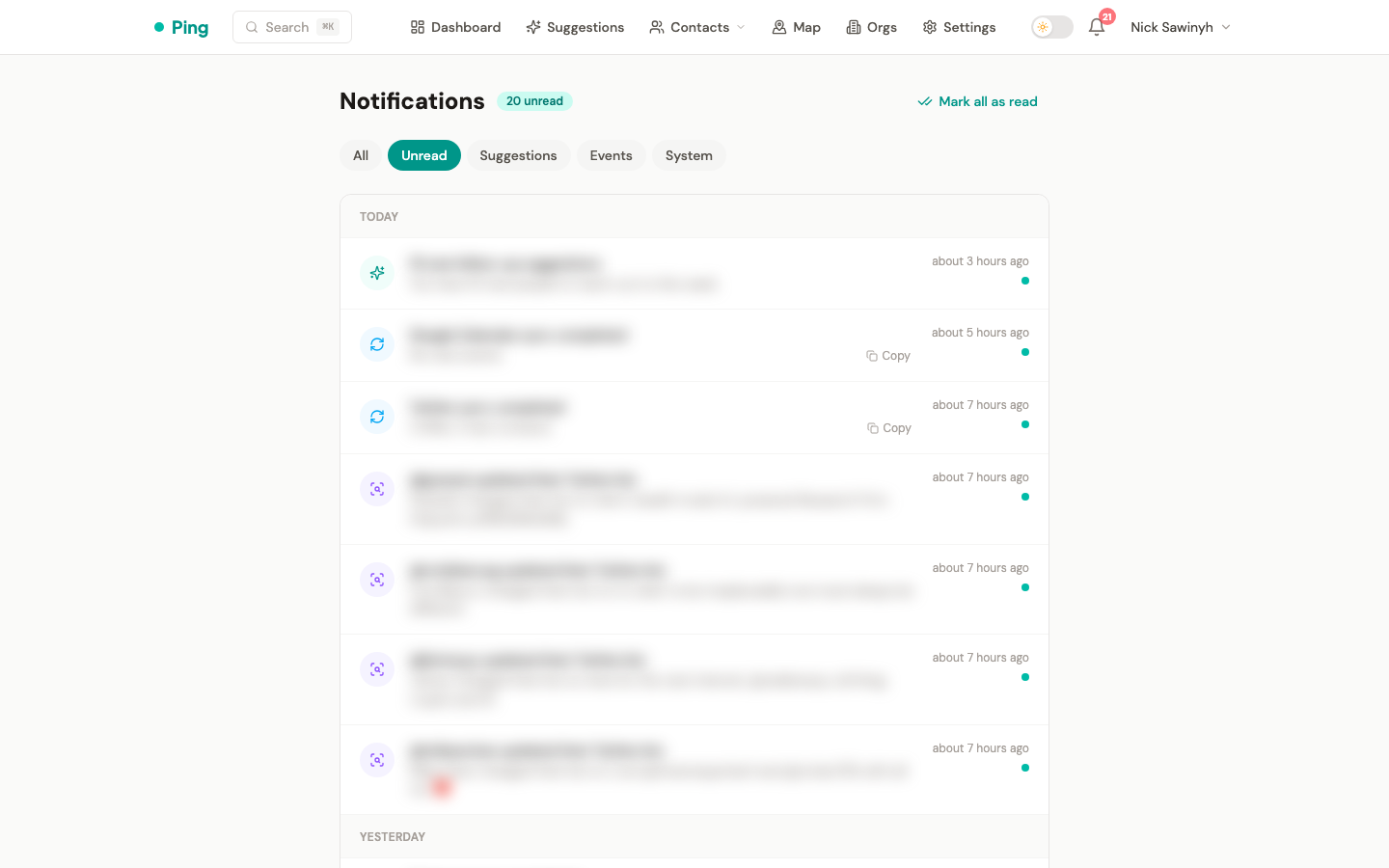
- Mark as read -- dismiss a single notification.
- Mark all as read -- clear the entire unread count in one action.
- Click to navigate -- each notification links to the relevant page:
- Bio change → contact detail page
- New suggestions → suggestions page
- Twitter/Telegram sync completed → settings (sync history)
- Google Contacts/Calendar sync → contacts sorted by recent
- Connection expired / sync failed → settings (reconnect)
- Auto-tagging → settings tags tab
Filter Tabs
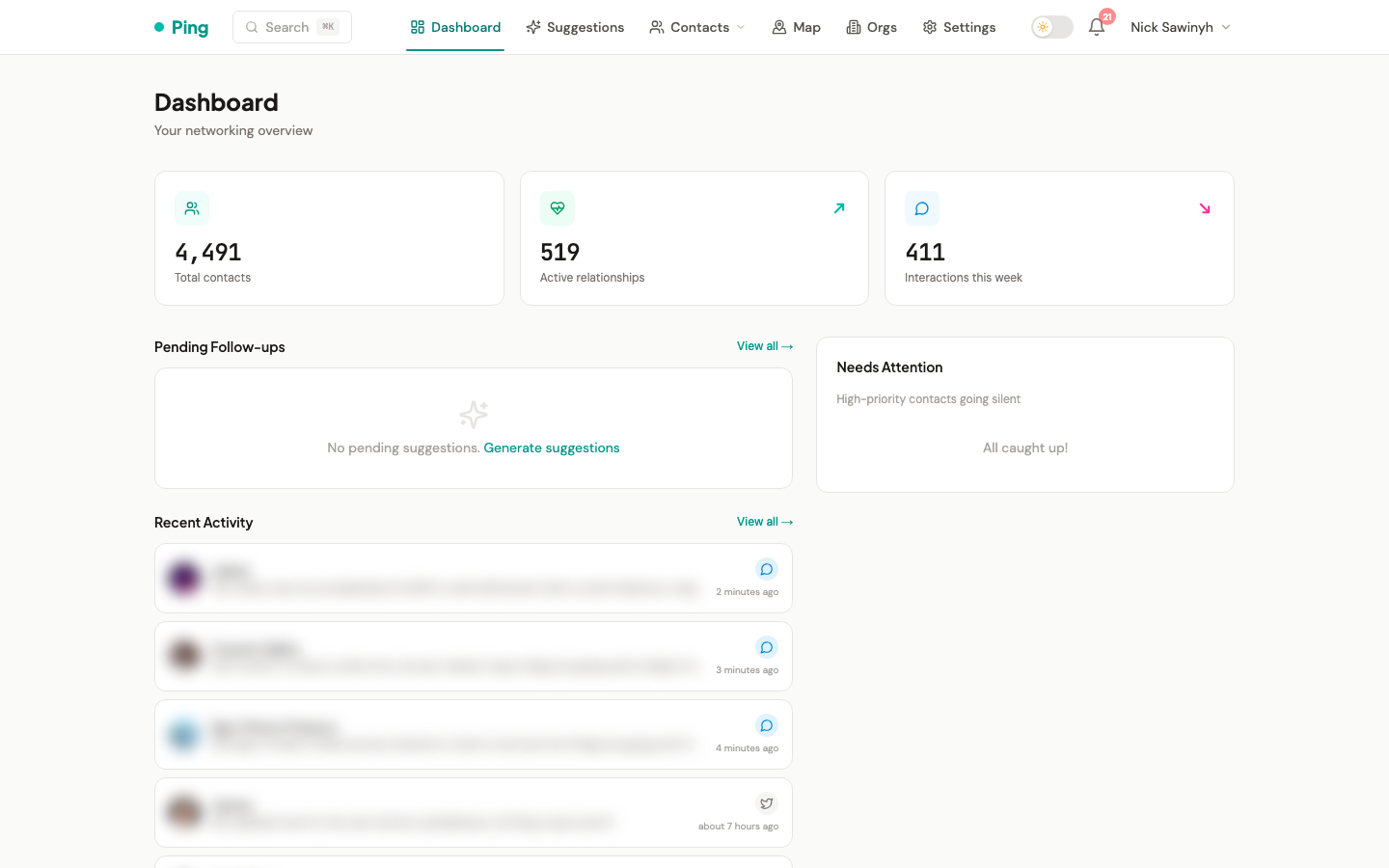
The notification feed supports the following filter tabs:
| Tab | Shows |
|---|---|
| All | Every notification, read and unread |
| Unread | Only notifications not yet marked as read |
| Suggestions | Follow-up suggestions from the AI engine |
| Events | Bio changes and other contact events |
| System | Sync completions, sync failures, and rate limit alerts |